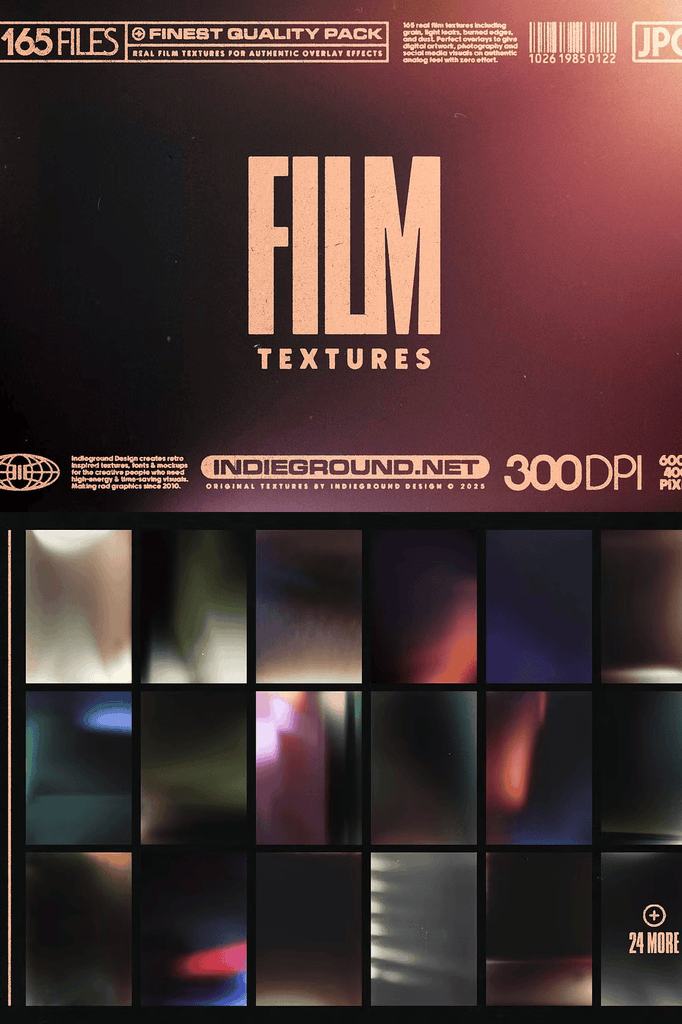
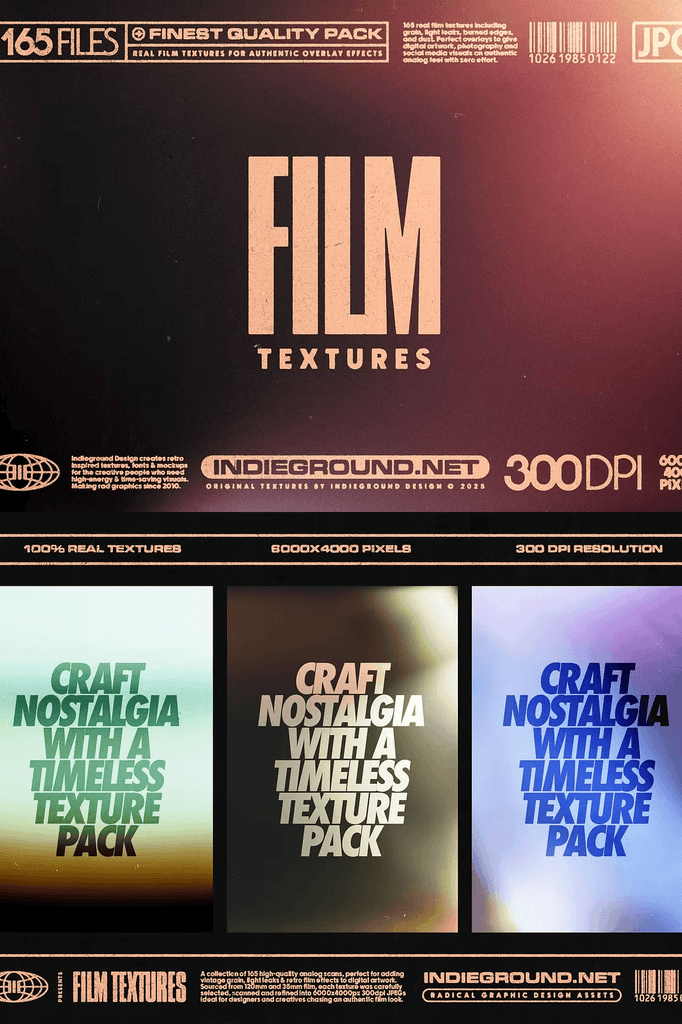
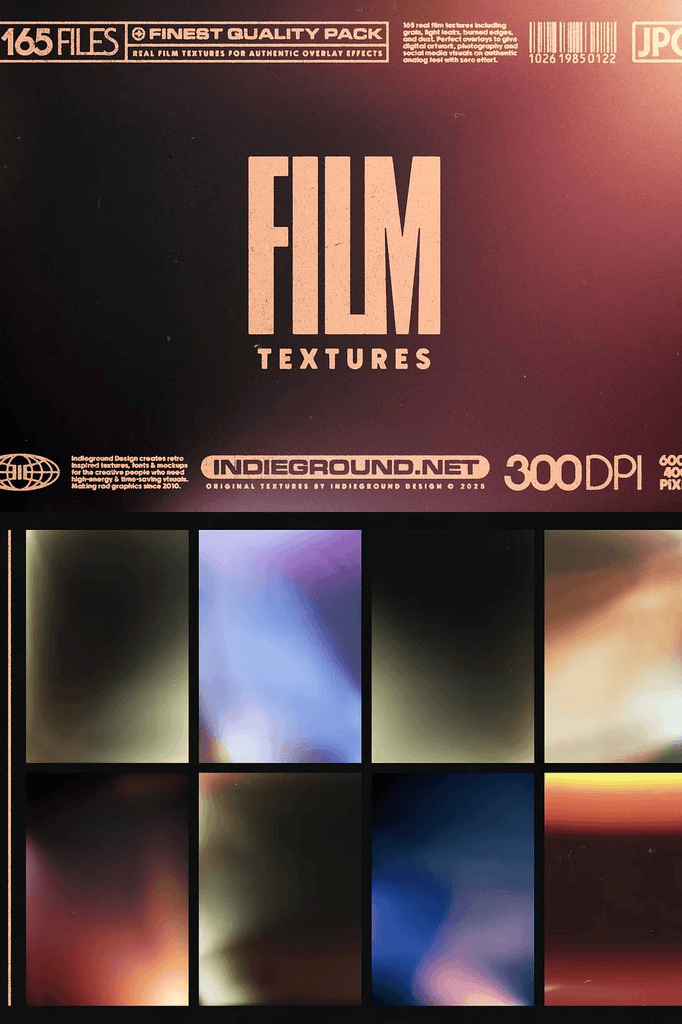
Film Textures is an extensive pack of high-quality analog textures, perfect for adding vintage film grain or retro light effects to your digital images and artwork. As a result, you instantly create that authentic retro look.
The work on this film textures pack began with thorough research and selection of materials from old, very old, and somewhat more recent film types, including 120mm and 35mm film.
These were then scanned to produce 6000×4000 px images at 300 DPI in JPEG format. The pack includes a comprehensive selection of 165 high-quality textures, crafted to meet the needs of professional designers and digital artists.
Why Analog Film Overlays Transform Digital Artwork
Digital images often look too clean and clinical. Analog film adds organic imperfections that give photographs warmth, depth, and emotional resonance. Consequently, your work stands out in crowded social media feeds and online galleries.
Moreover, this collection covers the full spectrum of analog effects. From soft light leaks to gritty grain and burned edges, every texture captures a genuine film artifact. In addition, the high resolution ensures your overlays hold up in print, web, and large-format applications. Therefore, one pack supports every project type.
What Is Included in This Retro Film Textures Pack
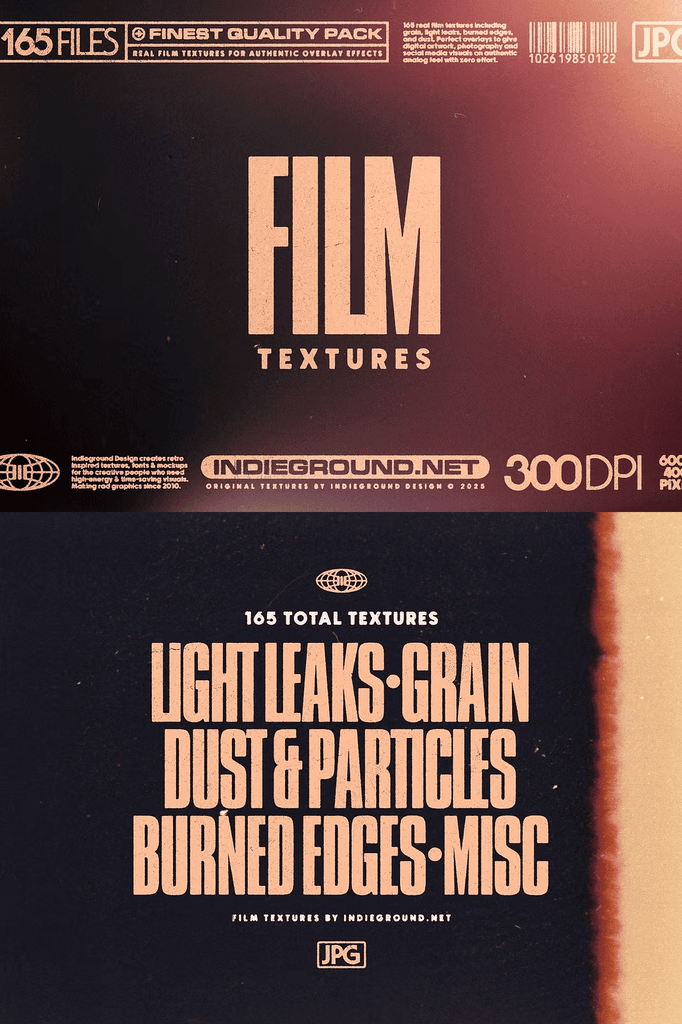
- 165 total textures in JPEG format
- All files at 6000 x 4000 px at 300 DPI resolution
- 50 light leaks: film compromised by unwanted light exposure
- 35 grainy textures: the classic, authentic grain of analog film
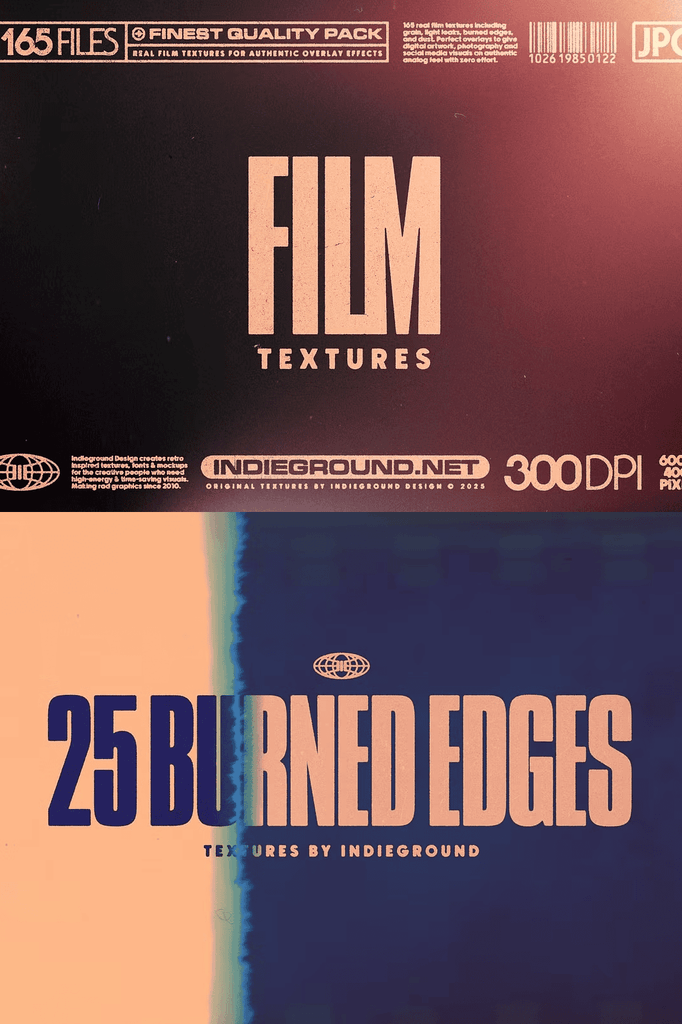
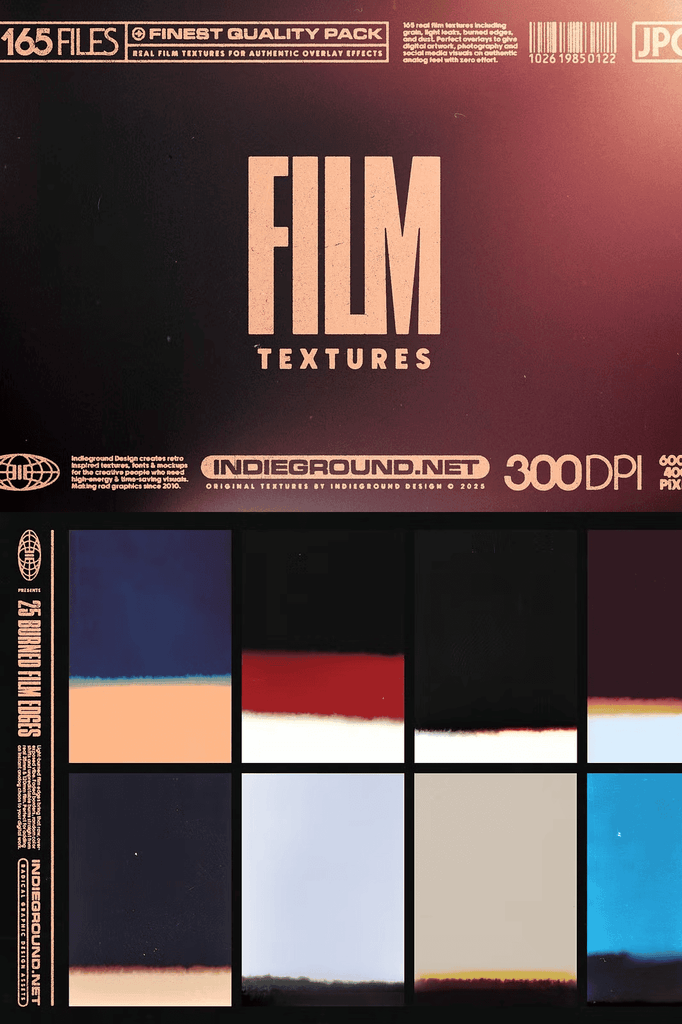
- 25 burned edges: the start of a film strip, marked by solvents that induce a distinct color shift
- 25 dust and particles: the accumulation of dust and grit characteristic of analog film
- 30 miscellaneous textures: a variety of additional bits and pieces
Each category targets a specific visual need. For example, use light leaks to add warm color washes, grain to unify digital composites, and dust particles to create aged authenticity. As a result, you gain complete creative control over the final mood.
How to Use These Film Grain and Light Leak Overlays
Start by opening your image in Photoshop, Affinity Photo, or any editor that supports layers. Next, place a texture on a new layer above your photo. Then set the blend mode to Screen, Overlay, Soft Light, or Multiply depending on the desired effect.
After that, adjust opacity to fine-tune intensity. Finally, mask out areas where you want to reduce the effect. Because the textures use high resolution JPEG files, they scale smoothly without visible pixelation.
Perfect Uses for Analog Film Textures
This pack adapts to an enormous range of creative projects, including:
- Portrait and wedding photography
- Social media posts and stories
- Album covers and music artwork
- Poster and print design
- Brand campaigns with a retro aesthetic
- Digital collages and mixed media art
- Film and video title frames
- Personal photo projects
Whether you edit client work or personal photography, these overlays deliver the iconic retro atmosphere your images deserve. Furthermore, they help unify images shot on different cameras by applying a consistent analog finish.
Download the Film Textures Pack Today
Film Textures combines 165 overlays, including light leaks, grain, burned edges, dust, and miscellaneous effects, in one comprehensive download. It gives photographers, designers, and digital artists everything needed to add authentic analog character to any image.
Download this retro film textures pack today and make your digital images and artwork stand out online and in social media feeds with genuine film character.