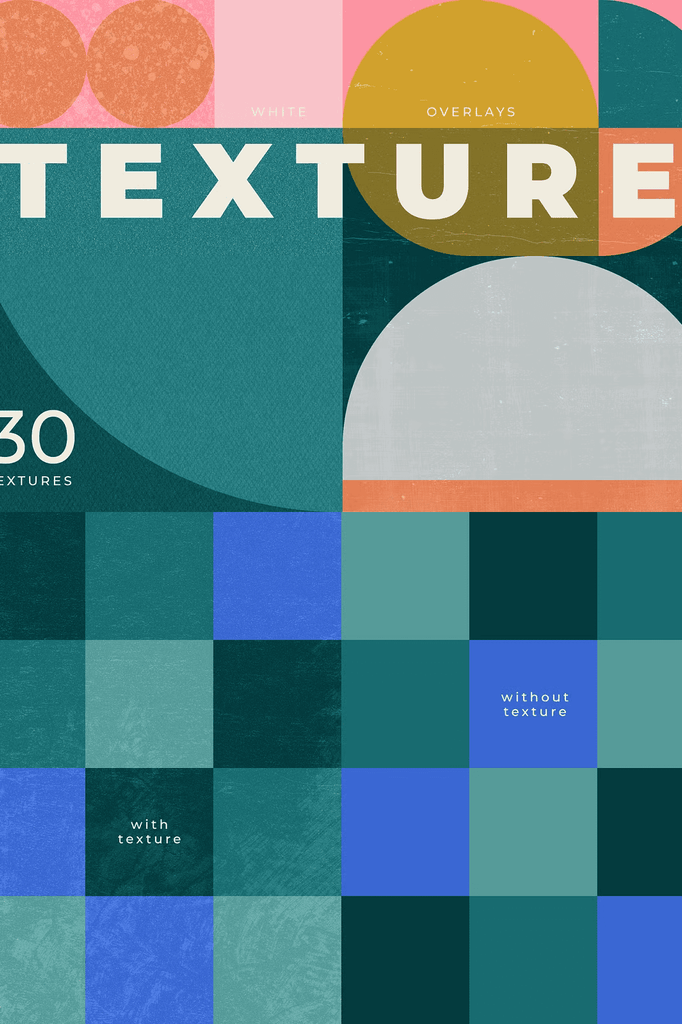
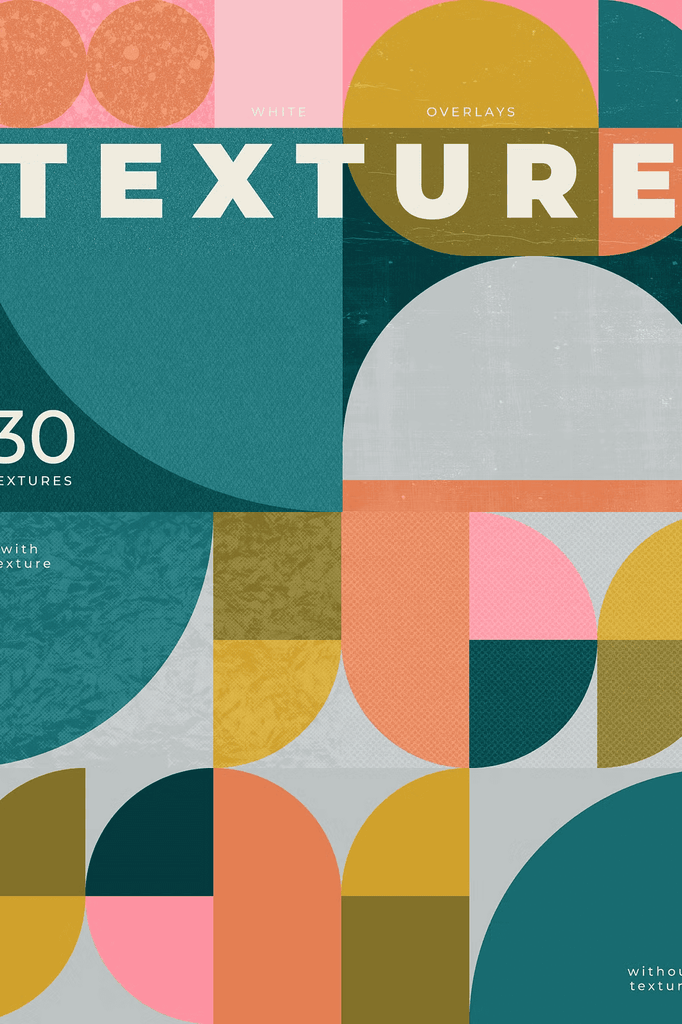
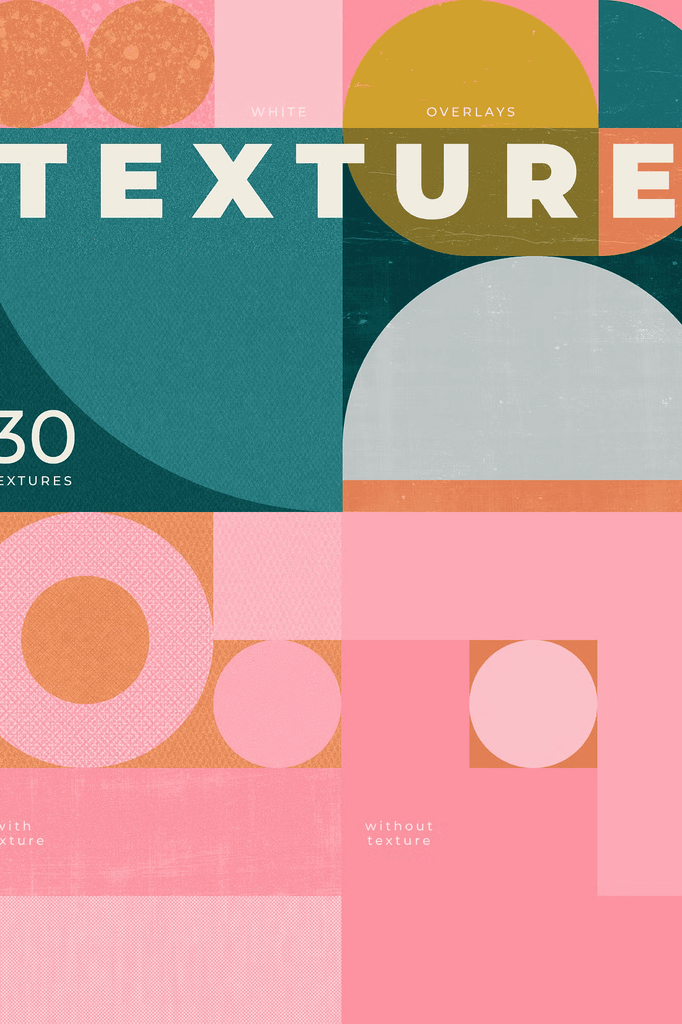
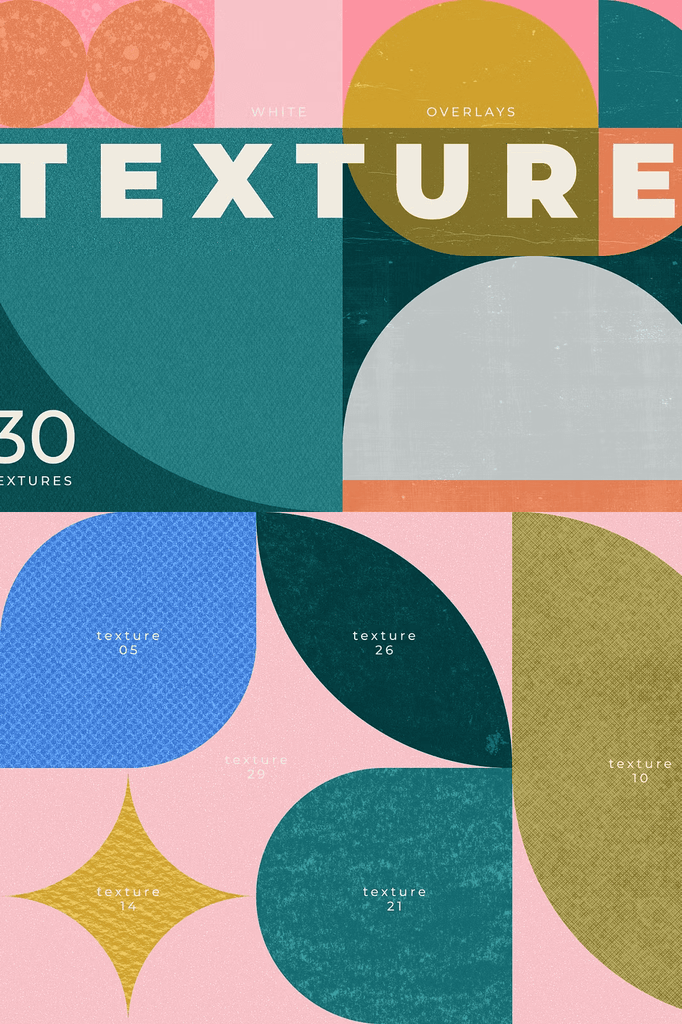
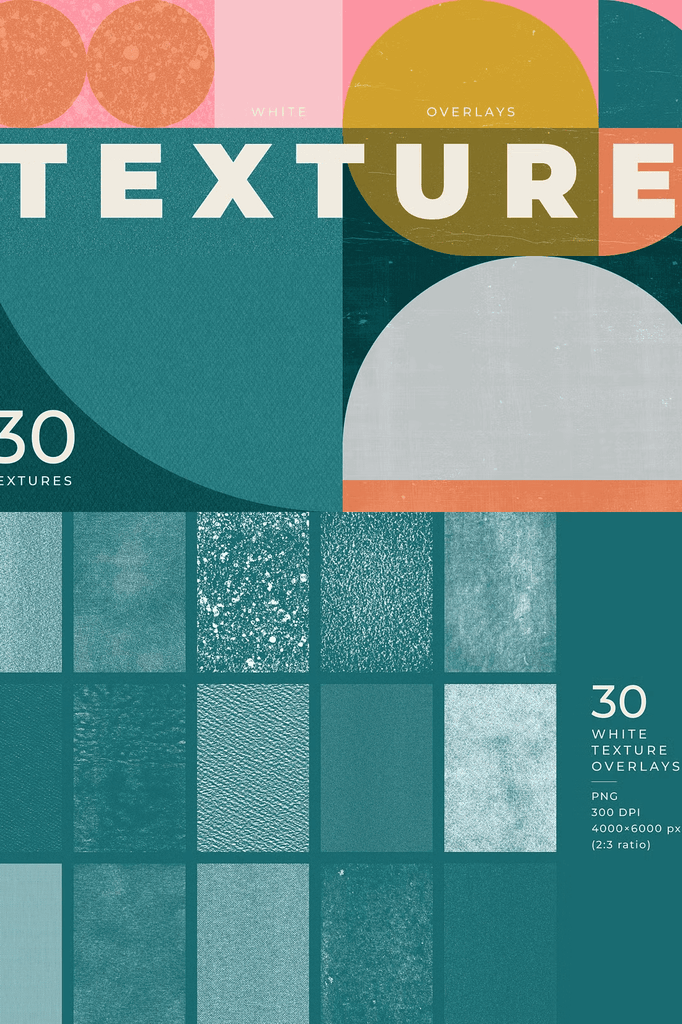
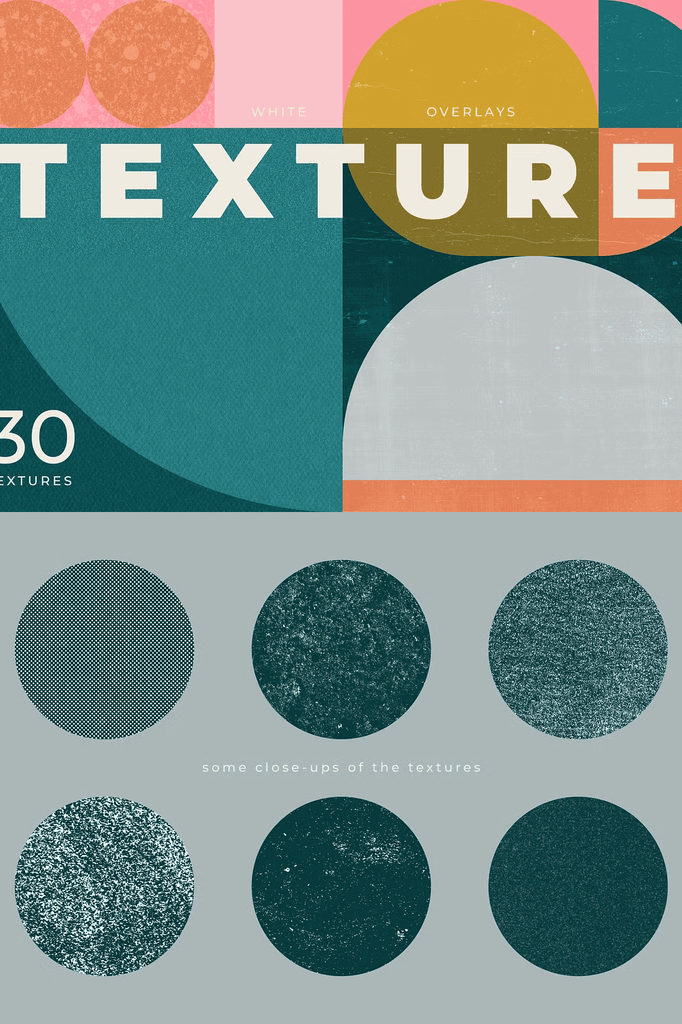
Bring depth and character to your illustrations, graphic designs, or experimental projects with this set of white textures on transparent backgrounds. These overlays are inspired by risograph prints, paper grain, and organic, tactile effects.
They are perfect for adding subtle imperfections and handcrafted charm to your work. Whether you design for clients or create personal art, these textures elevate every composition.
Why White Texture Overlays Transform Digital Art
Digital design often looks too clean and clinical. Texture overlays restore the warmth and imperfection of analog production. As a result, your work gains authenticity and visual depth that flat graphics cannot achieve.
Moreover, white overlays offer remarkable flexibility because you can invert them instantly. In addition, the transparent backgrounds make layering effortless across any project. Consequently, these textures suit an enormous range of creative applications.
What Is Included in the ZIP File
- 30 white texture overlays
- Format: PNG with transparent background
- 300 DPI high resolution
- Size: 4000 x 6000 px with a 2:3 ratio
- 9 bonus geometric backgrounds
- AI and EPS10 files with a single artboard containing all backgrounds
- AI file with an artboard for each background to facilitate exports of separate files
- JPG file for each background at 6000 x 4002 px
- SVG file for each background, editable in Canva, Figma, Affinity Designer, and others
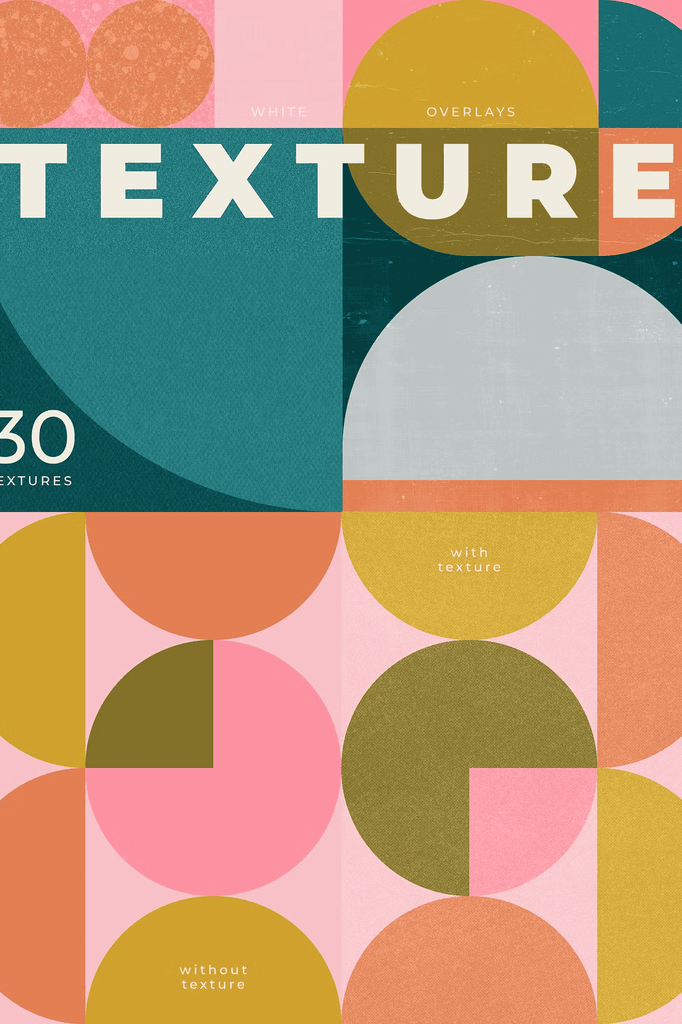
Please note that the backgrounds do not contain any textures. It is up to you to add them. This separation gives you complete creative control over the final look.
How to Customize the Texture Effect
You can easily invert the white textures using Ctrl+I in Photoshop to get black versions. Next, layer multiple overlays for more complex results. Then play with blending modes and opacity to achieve your desired look.
For best results, the Soft Light blending mode works beautifully for natural and balanced effects. In addition, stacking two or three overlays with different blend modes creates richer texture depth.
Perfect Uses for These Texture Overlays
- Illustrations and digital artwork
- Graphic design and branding projects
- Social media graphics and stories
- Posters and print-inspired layouts
- Photo editing and vintage effects
- Editorial layouts and magazine spreads
- Album covers and music artwork
- Experimental and mixed media projects
- Zines and independent publications
- Packaging and product mockups
Whether you design for clients or create personal work, these overlays add an authentic, textured feel with minimal effort. Furthermore, the subtle quality keeps your designs refined rather than heavy.
Why the Bonus Geometric Backgrounds Add Extra Value
The 9 bonus geometric backgrounds provide clean bases for your textured overlays. Because they ship in multiple formats, you can edit them in AI, EPS, SVG, JPG, or Canva. As a result, you gain a complete toolkit for building layered compositions.
In addition, the separate artboards make exporting individual backgrounds fast and convenient. Consequently, you can integrate them into any workflow without extra setup.
How to Use the White Texture Overlays
Start by placing your base image or background on the canvas. Next, add a texture overlay on a new layer above it. Then experiment with blend modes such as Soft Light, Overlay, Screen, or Multiply.
After that, adjust opacity to fine-tune intensity. For bolder results, stack multiple overlays for layered texture. Because the files are transparent, layering stays clean and controllable. As a result, you can fine-tune the effect to match any project’s mood.
Download the White Texture Overlays Pack Today
This collection combines 30 white texture overlays, 9 bonus geometric backgrounds, and multiple file formats in one comprehensive download. It gives designers, illustrators, and content creators everything needed to add printed depth and handcrafted charm to their work.
Download these white texture overlays today and bring risograph-inspired grain, tactile texture, and authentic analog character to your illustrations, branding, social media graphics, and experimental projects. If you have any questions about licensing, more information is available through the official Creative Market license page.