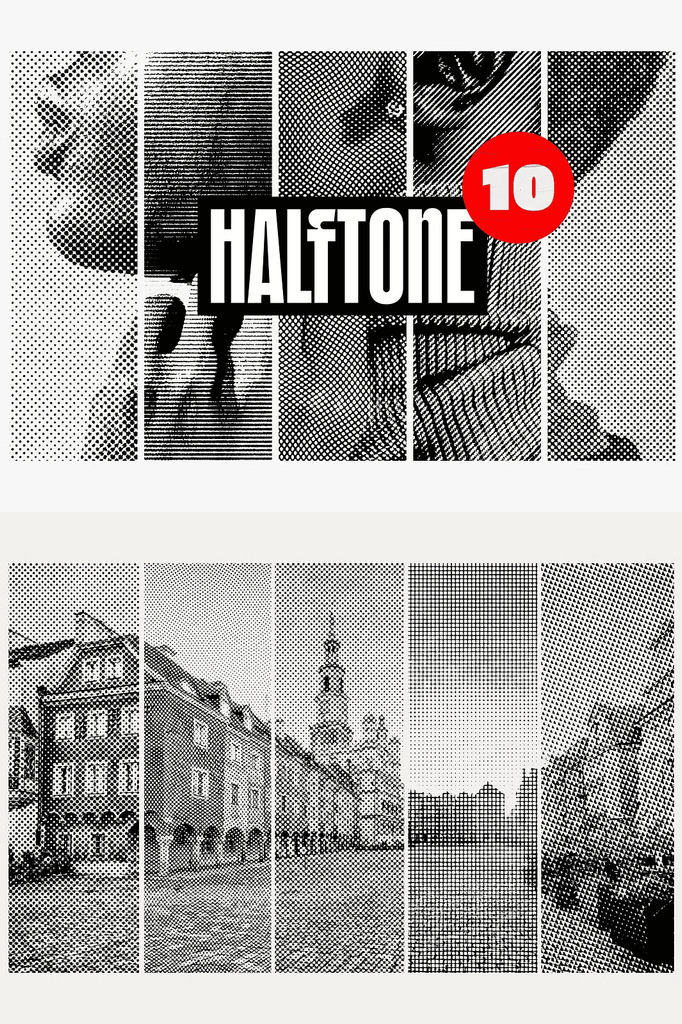
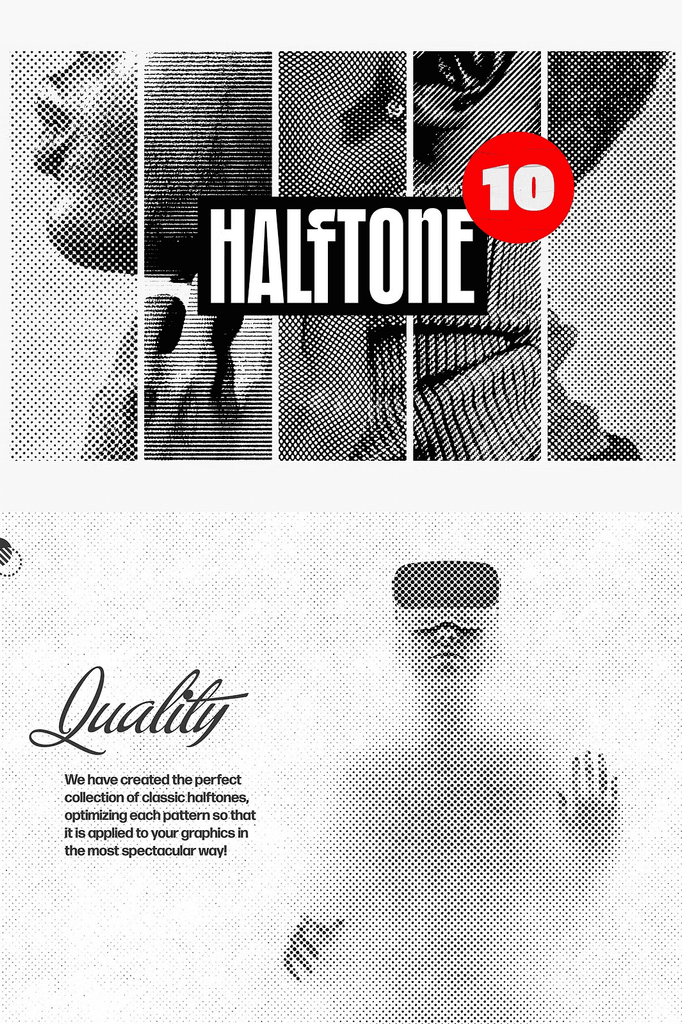
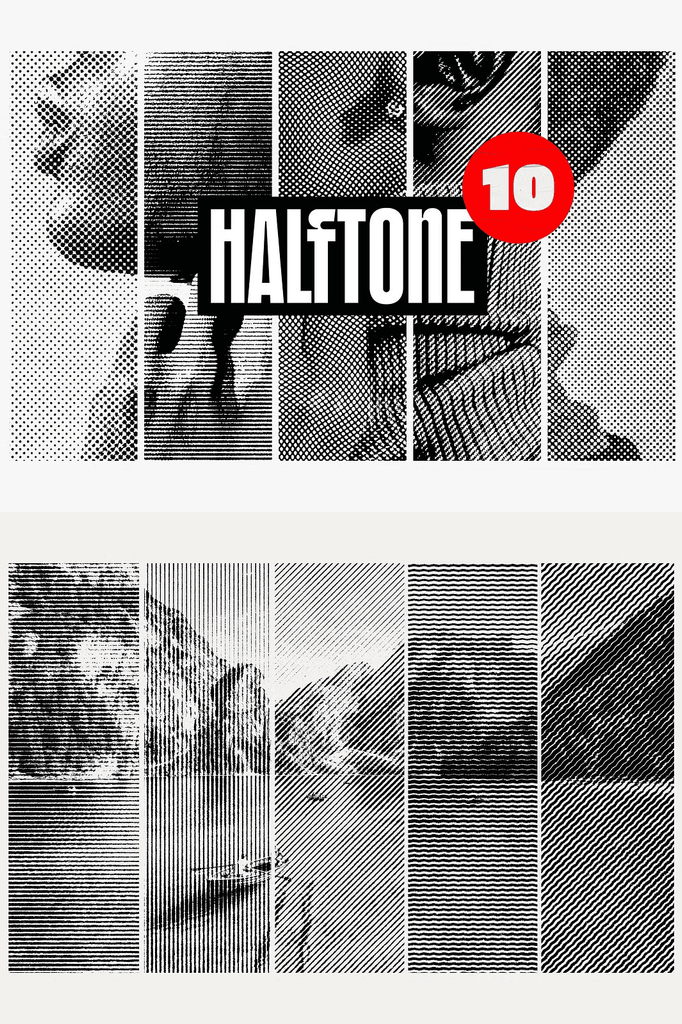
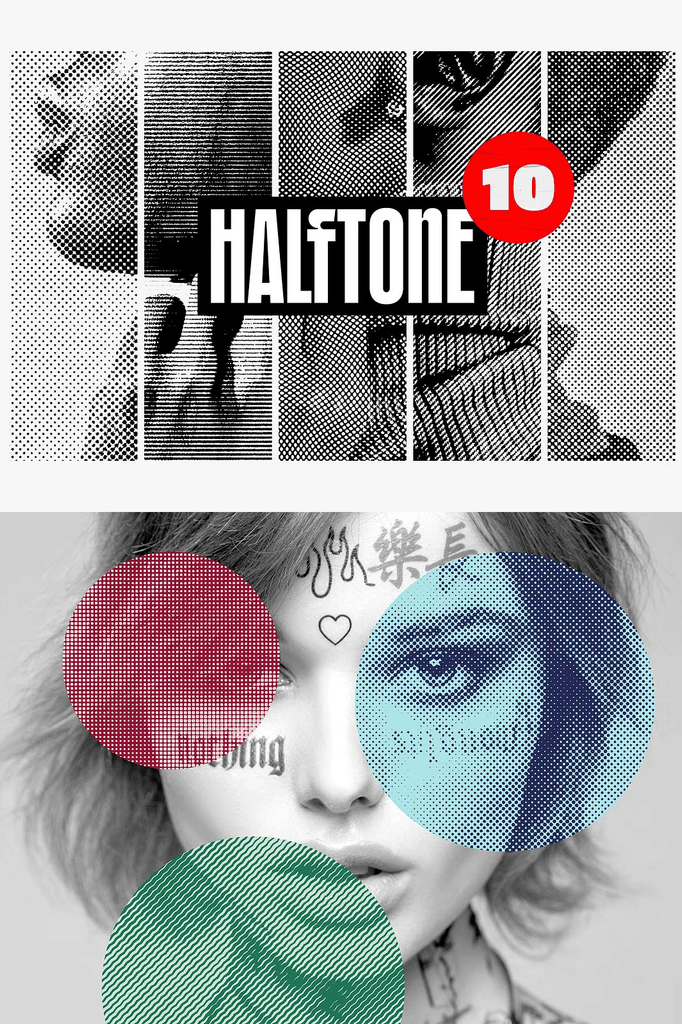
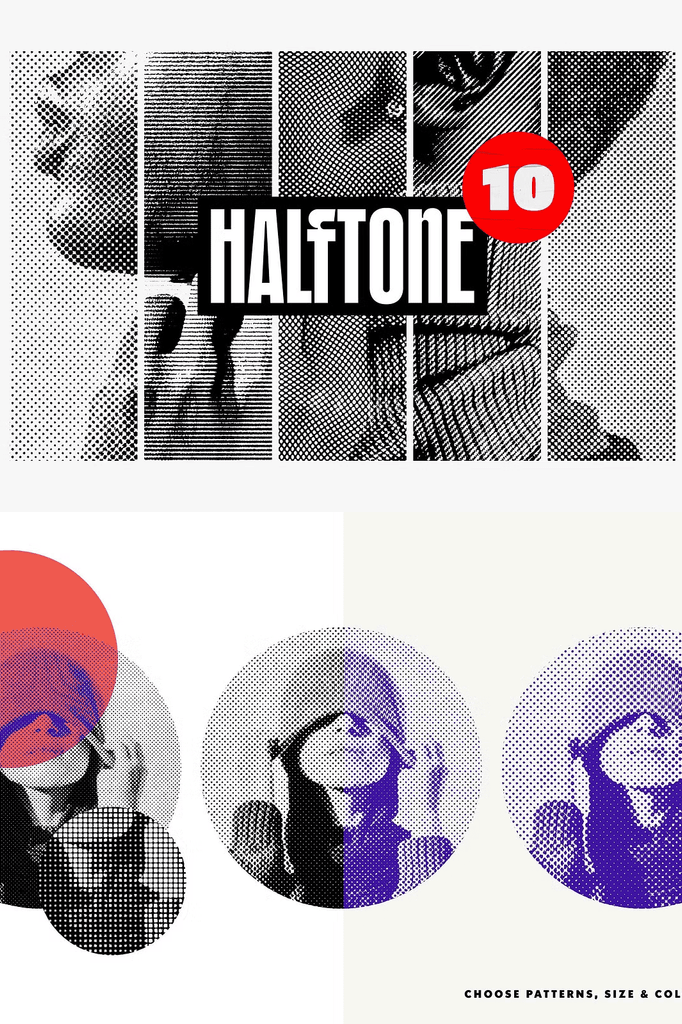
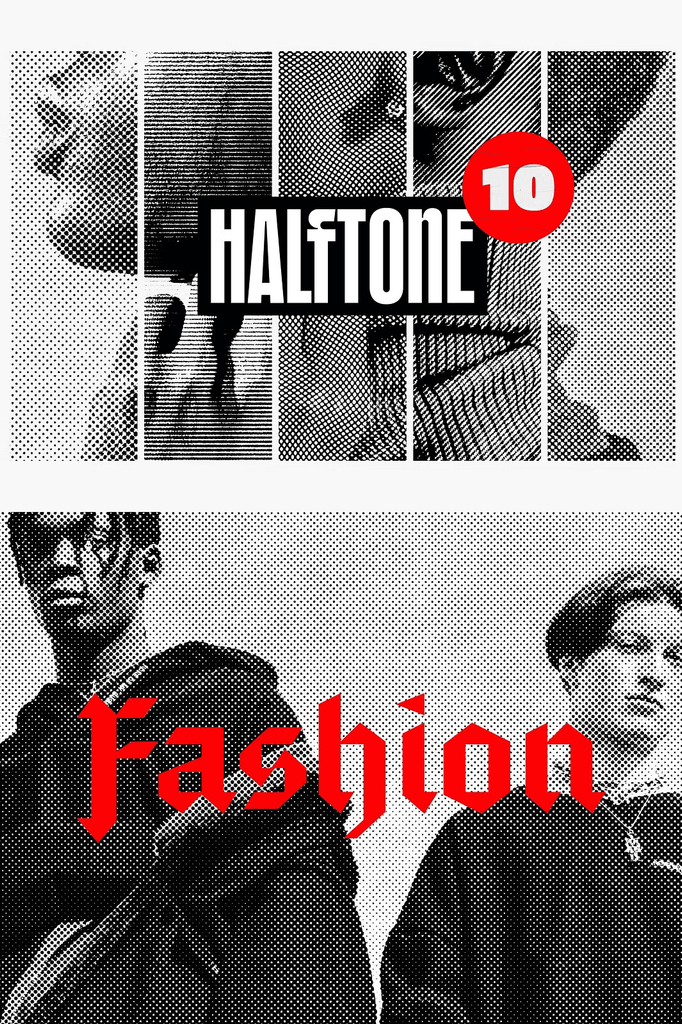
When the ongoing creative process lacks a touch of individualism, it is high time to play around with some photo effects. To help you with that, this collection delivers a wholesome set of classic yet essential halftone textures. Welcome a new set of grunge tools, tested on various images to provide a flawless product.
The number of included odds and ends will make your head spin because there are so many. Take your time and check them all out one by one, deciding which of these precious layers will be the most suitable fit.
Why Halftone Photo Effects Transform Digital Images
Halftone effects bring the charm of vintage print production to modern digital work. The dot patterns create texture, depth, and a nostalgic aesthetic. As a result, ordinary photos gain character and artistic appeal.
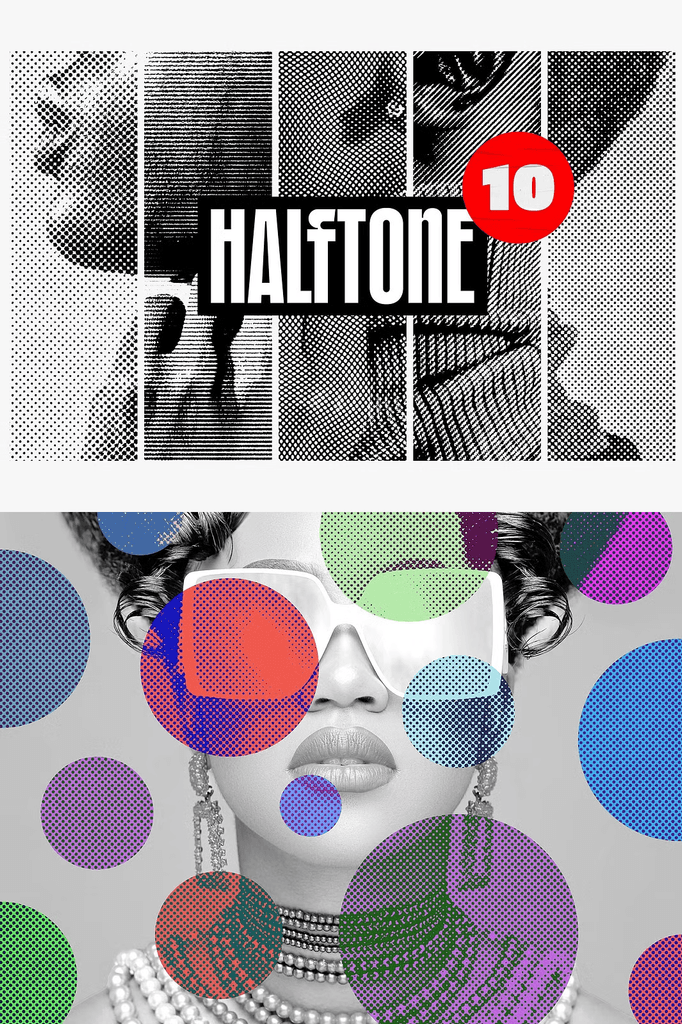
Moreover, duotone gradients add striking color treatments that elevate any image. In addition, the combination of both effects opens endless creative possibilities. Consequently, you can produce professional, print-inspired visuals with minimal effort.
What Is Included in This Photo Effects Pack
- 3 high-quality PSD files
- One horizontal format at 4500 x 3000 px, 300 DPI
- One vertical format at 3000 x 4500 px, 300 DPI
- One square format at 4000 x 4000 px, 300 DPI
- 30 duotone gradients
- 10 halftone options
- Help file
Every format serves a specific layout need. The horizontal PSD suits landscape photography and web banners. Meanwhile, the vertical PSD works perfectly for portraits and social media stories. In addition, the square PSD handles Instagram posts and album covers.
Perfect Uses for These Halftone Effects
- Photo editing and retouching
- Poster design and promotional materials
- Album covers and music artwork
- Social media graphics and stories
- Branding and identity visuals
- Editorial layouts and magazine features
- Zines and independent publications
- Print-on-demand products
- Website headers and hero images
- Creative and experimental projects
Whether you edit personal photography or design for clients, these effects bring a polished, vintage edge to every image. Furthermore, the layered PSD structure makes customization fast and intuitive.
Why the Help File Adds Extra Value
If this is the first photo effect you are working with, the included help file makes it easy. Step-by-step guidance walks you through the process of applying gradients and halftone overlays. As a result, beginners can achieve professional results immediately.
In addition, the help file covers tips for combining effects and adjusting blend modes. Consequently, you gain the knowledge to experiment confidently.
How to Use the Halftone Photo Effects
Start by opening one of the PSD files in Adobe Photoshop. Next, place your photo into the smart object layer. Then choose from the 30 duotone gradients and 10 halftone overlays to create your desired look.
After that, adjust opacity and blending modes to fine-tune the effect. Because the PSD files use smart objects, your original image remains untouched and editable. As a result, you can experiment freely without losing quality.
Download the Classic Halftone Photo Effects Today
This pack combines 3 PSD files, 30 duotone gradients, 10 halftone overlays, and a help file in one comprehensive download. It gives photographers, designers, and content creators everything needed to add vintage texture and color to their images.
Download these Classic Halftone Photo Effects today and bring grunge texture, duotone color, and retro print charm to your photos, posters, album covers, branding, and creative projects.