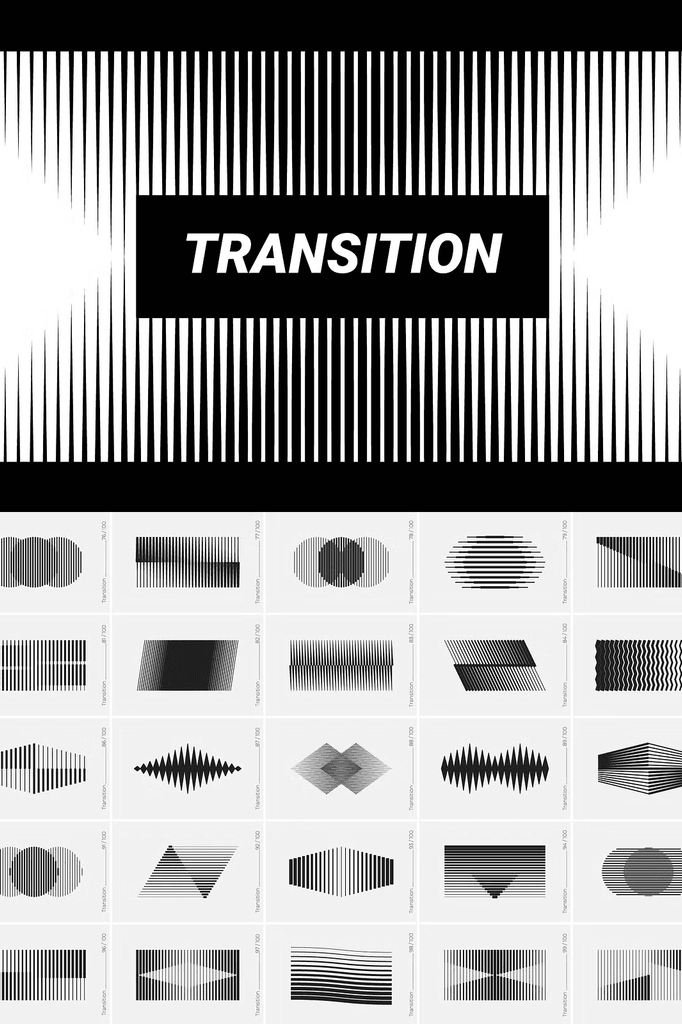
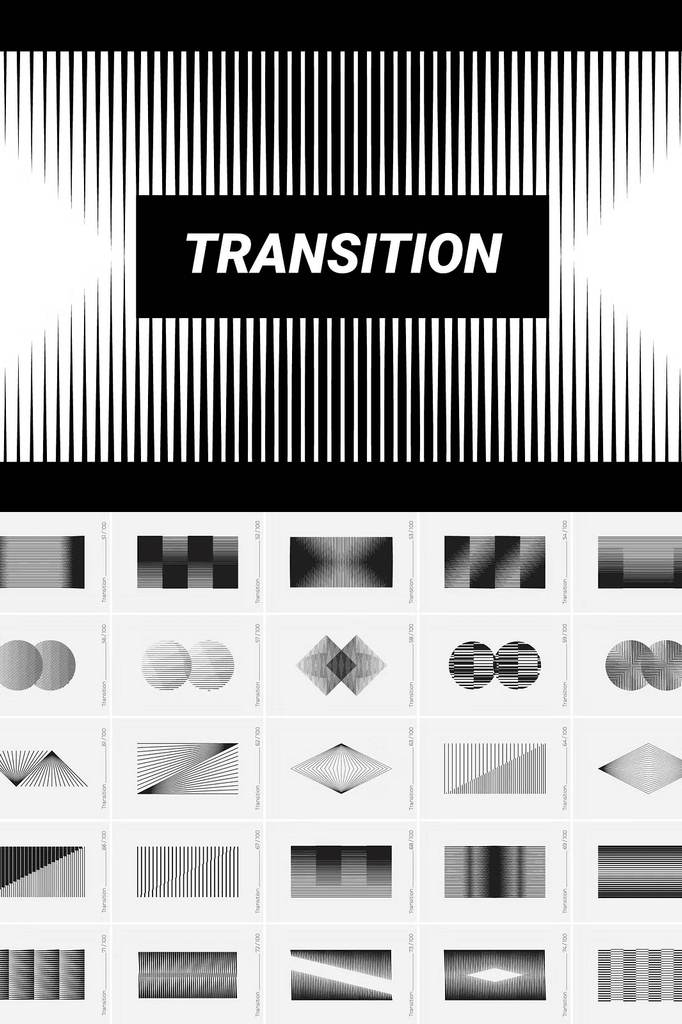
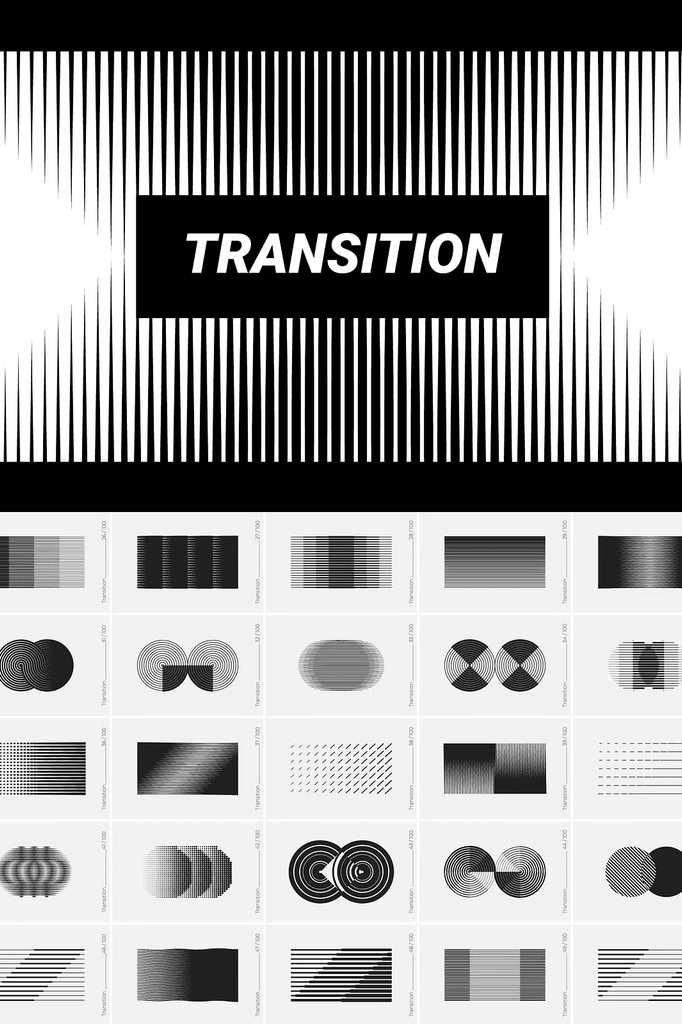
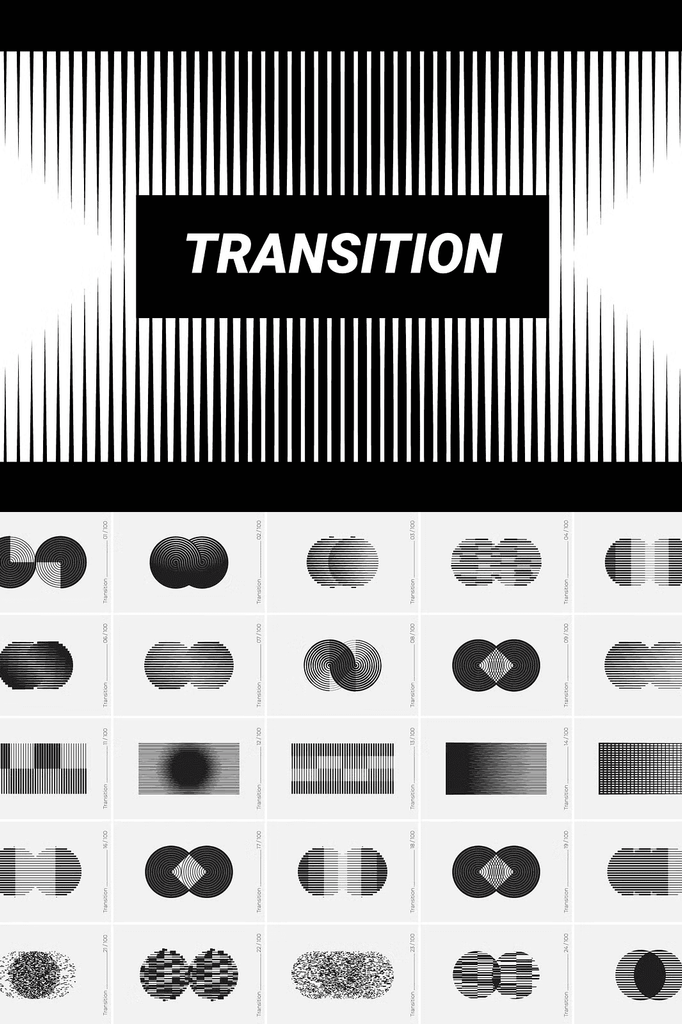
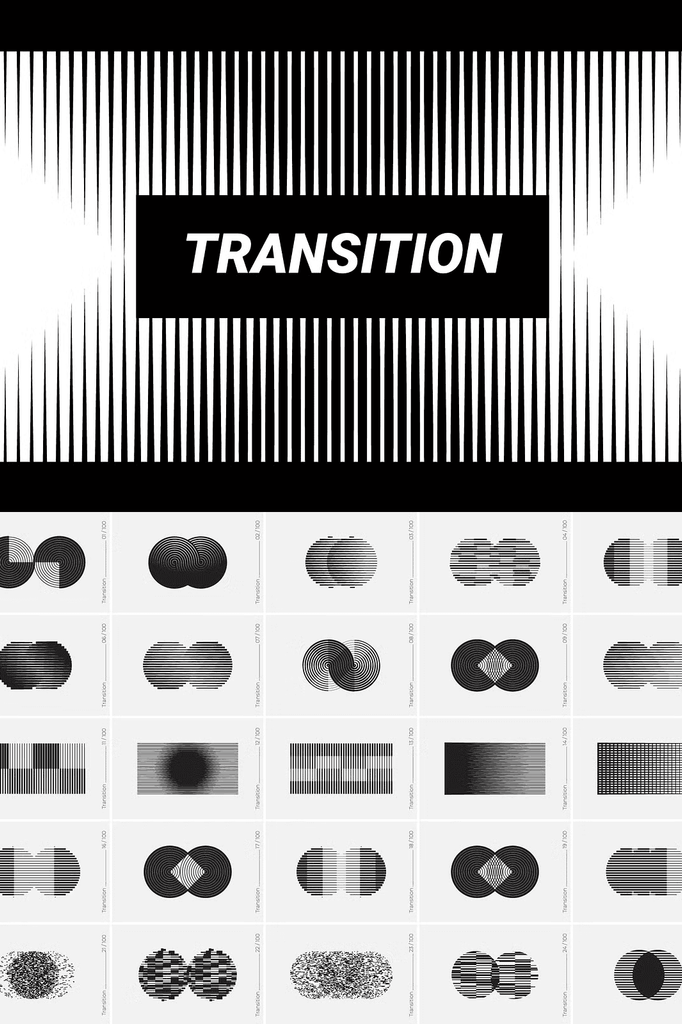
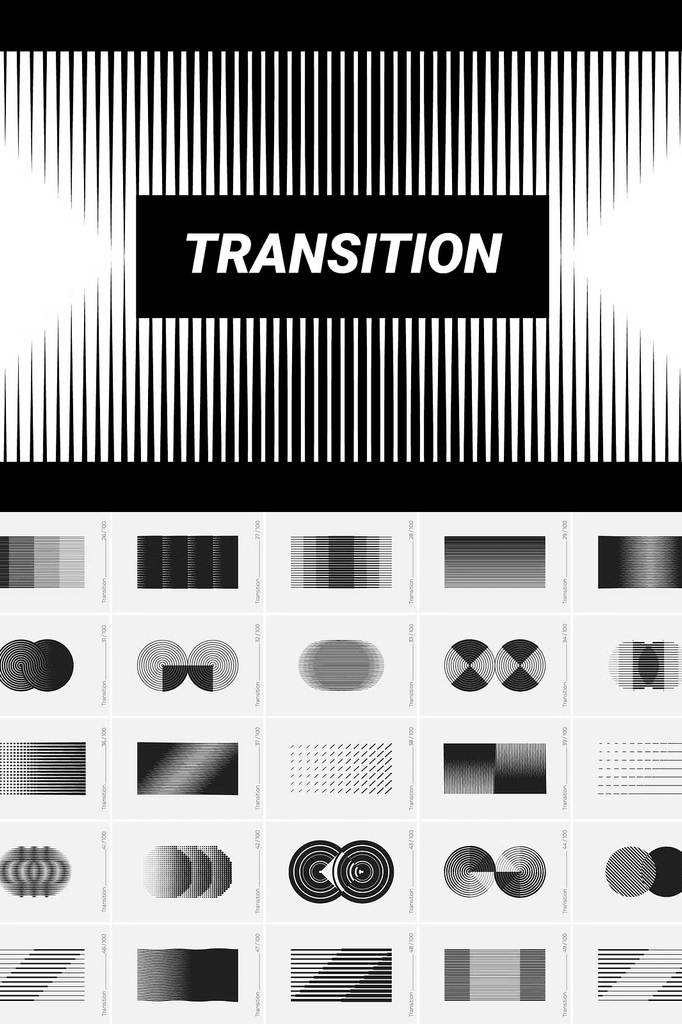
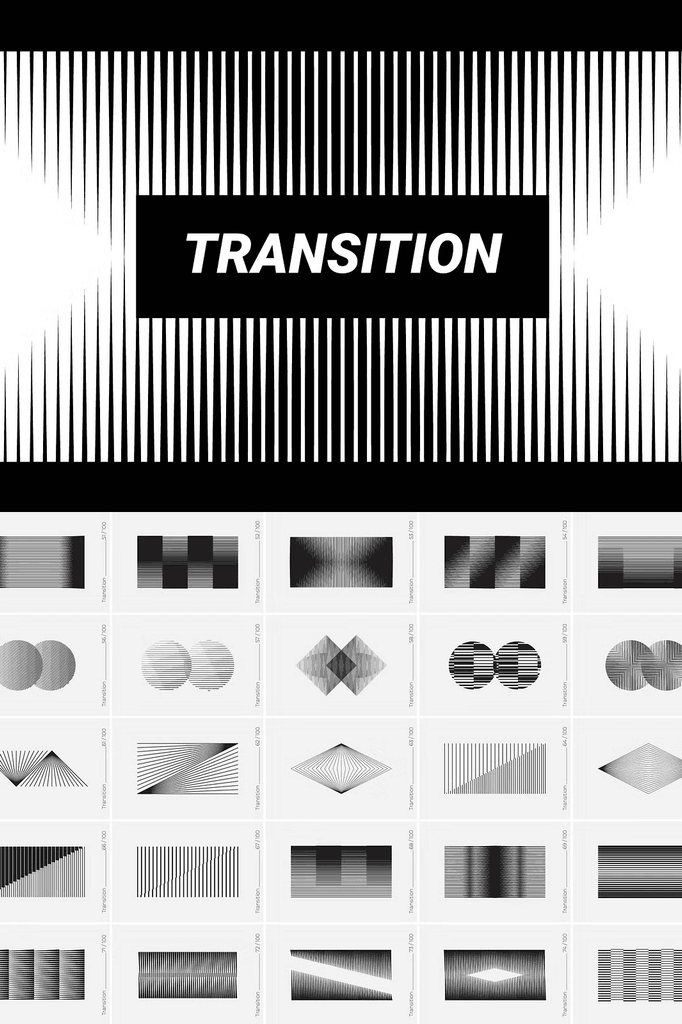
This collection features 100 vector shapes based on transition effects, designed to help you quickly create fresh concepts. Shapes with transitions will give your design recognition and uniqueness, making it easy to stand out in any project.
Whether you design for clients or create personal projects, these shapes bring modern energy and visual interest to every composition.
Why Transition Shapes Work for Modern Design
Transition effects create a sense of motion and transformation. They draw the eye and add dynamic energy to static layouts. As a result, your designs feel alive and forward-looking.
Moreover, the geometric precision of these shapes suits both technical and creative applications. In addition, the variety of 100 unique forms ensures you always find the right shape for any project. Consequently, one collection supports an enormous range of creative needs.
What Is Included in This Collection
- 1 common AI file in RGB vector format
- 100 separate EPS 10 files in RGB vector format
- 100 separate SVG files in RGB vector format, best for Canva
- 100 separate PNG files at 6000 x 4000 px, 300 DPI, transparent
- 100 separate JPG files at 6000 x 4000 px, 300 DPI
Every format serves a specific workflow. The AI, EPS, and SVG files provide complete vector editing power for professional software. Meanwhile, the PNG files with transparent backgrounds offer instant drag-and-drop convenience. In addition, the JPG files deliver quick, universal compatibility.
Perfect Uses for These Transition Shapes
- App interfaces and UI design
- Posters and promotional materials
- Postcards and greeting cards
- Patterns and surface design
- Logo design and brand marks
- Business cards and stationery
- Brand books and identity systems
- Animation and motion graphics
- Web design and digital layouts
- Clothing and apparel graphics
- Photography and image editing
- Creative and experimental projects
Whether you design for clients or create personal work, these shapes bring recognition and uniqueness to every composition.
Compatibility
- EPS10 vector format is compatible with Adobe Illustrator 10 or newer versions. EPS files work with a variety of programs such as Adobe Photoshop, Illustrator, Sketch, Affinity, CorelDRAW, and more.
- AI vector format is compatible with Adobe Illustrator CS or newer versions.
- JPEG and PNG raster images can be opened with photo editing software.
Because the files use universal formats, you can integrate them into virtually any workflow. As a result, no matter which platform you prefer, these shapes fit seamlessly into your process.
Why Vector Files Matter for Design Flexibility
Vector graphics scale infinitely without losing quality. Unlike raster images, they stay crisp whether printed on a business card or a billboard. As a result, you avoid pixelation problems entirely.
In addition, vector files remain fully editable. You can recolor, resize, and rearrange shapes to match any brand palette. Consequently, one purchase supports unlimited customization across every project.
How to Use the Transition Shapes Collection
Start by opening the AI or EPS files in your vector editor for full control over scale and color. Next, select the shapes that match your project theme. Then arrange them into compositions for posters, logos, or UI design.
For quick digital work, drag the PNG or SVG files directly into your design app or Canva. Because the files use transparent backgrounds, they stack cleanly without extra cleanup. As a result, you can build dynamic designs in minutes.
Download the 100 Transition Shapes Collection Today
This collection combines 100 unique shapes, five file formats, and high-resolution quality in one comprehensive download. It gives designers, brands, and creative teams everything needed to create fresh, modern visuals.
Download this 100 Transition Shapes vector design set today and bring dynamic transitions, unique forms, and modern energy to your app interfaces, posters, logos, patterns, and creative projects. Check out the website for more graphic assets and free products.