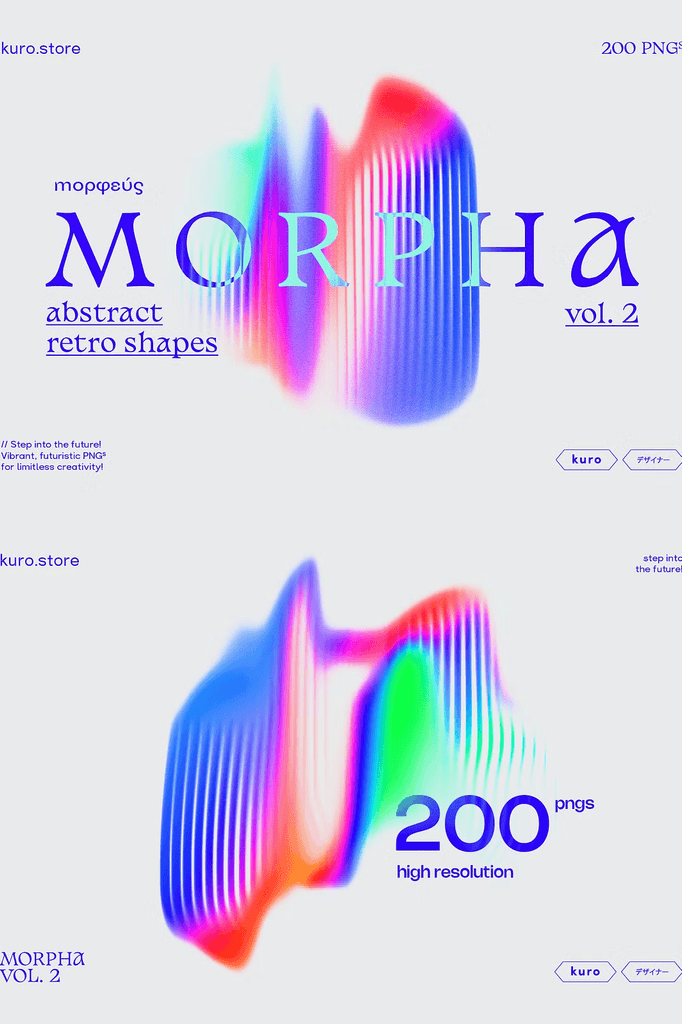
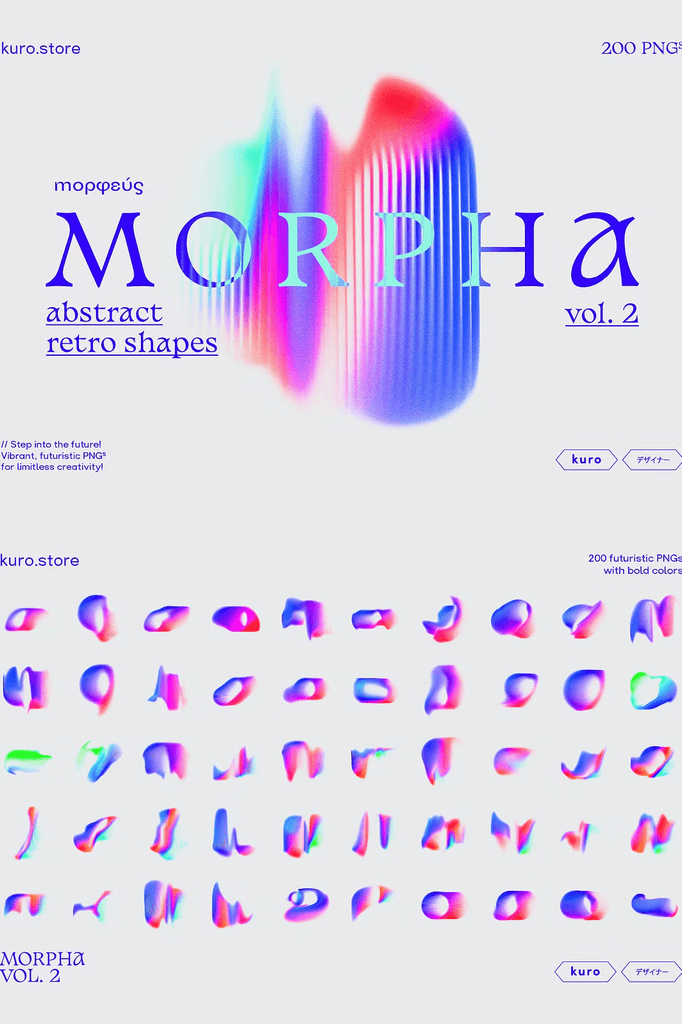
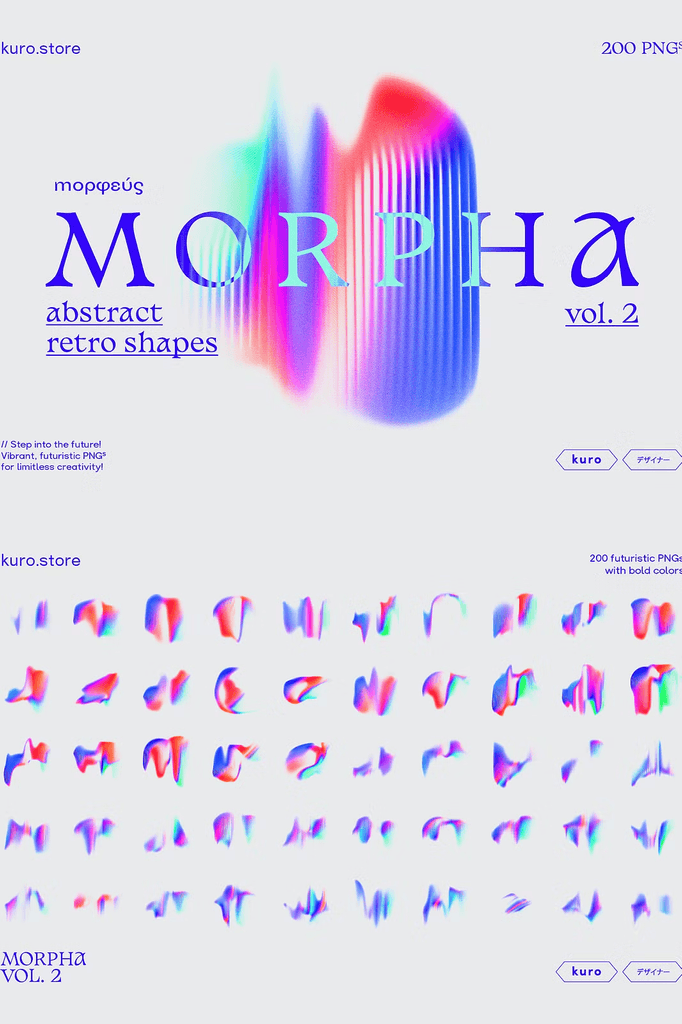
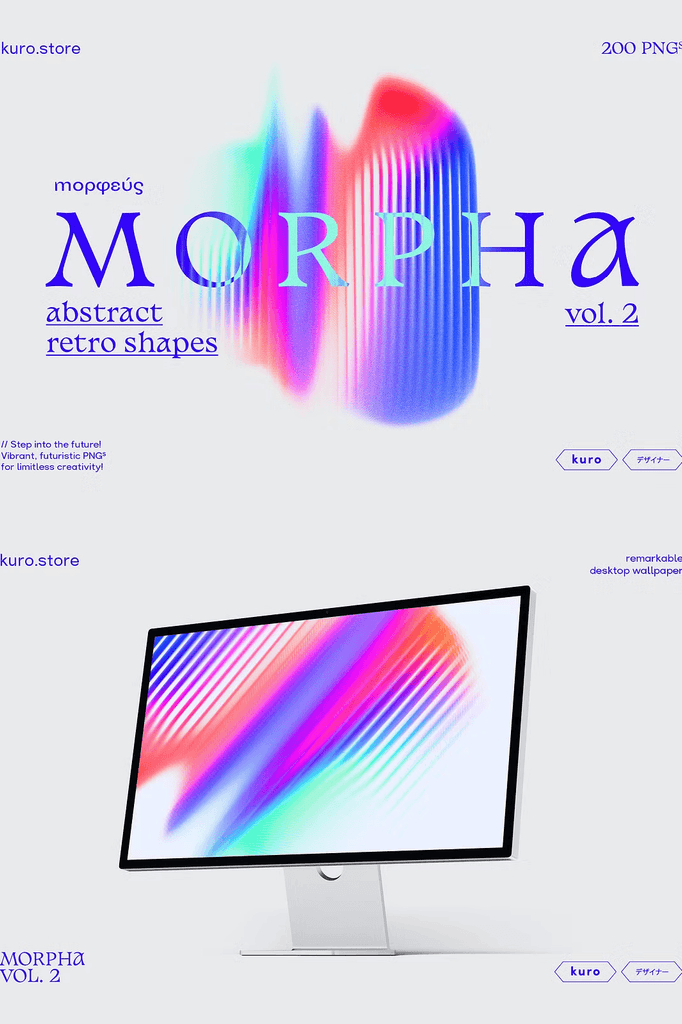
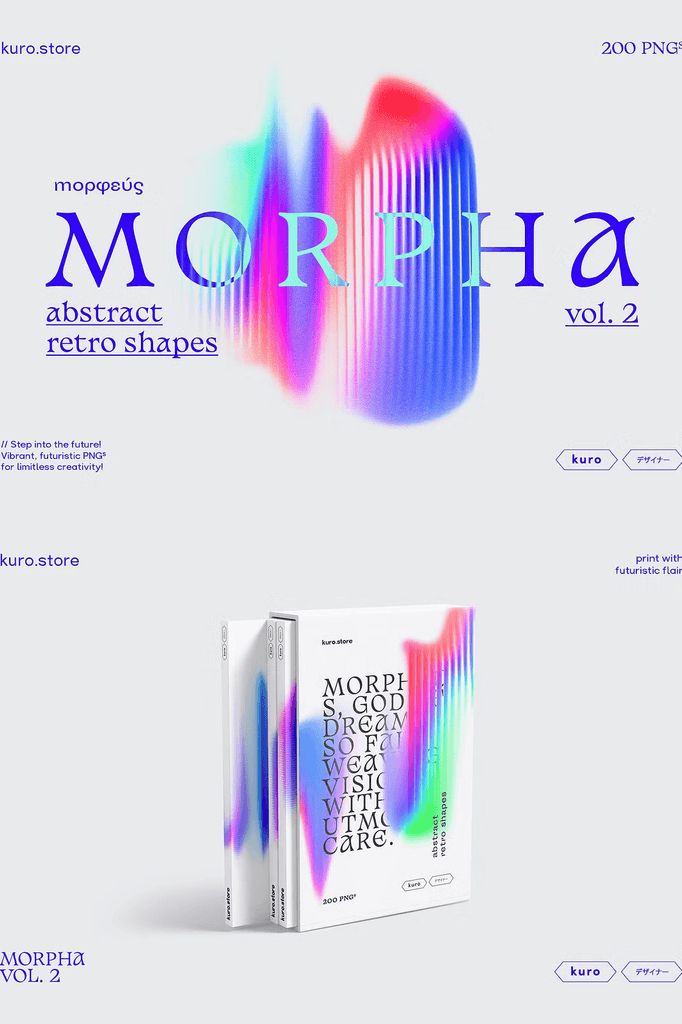
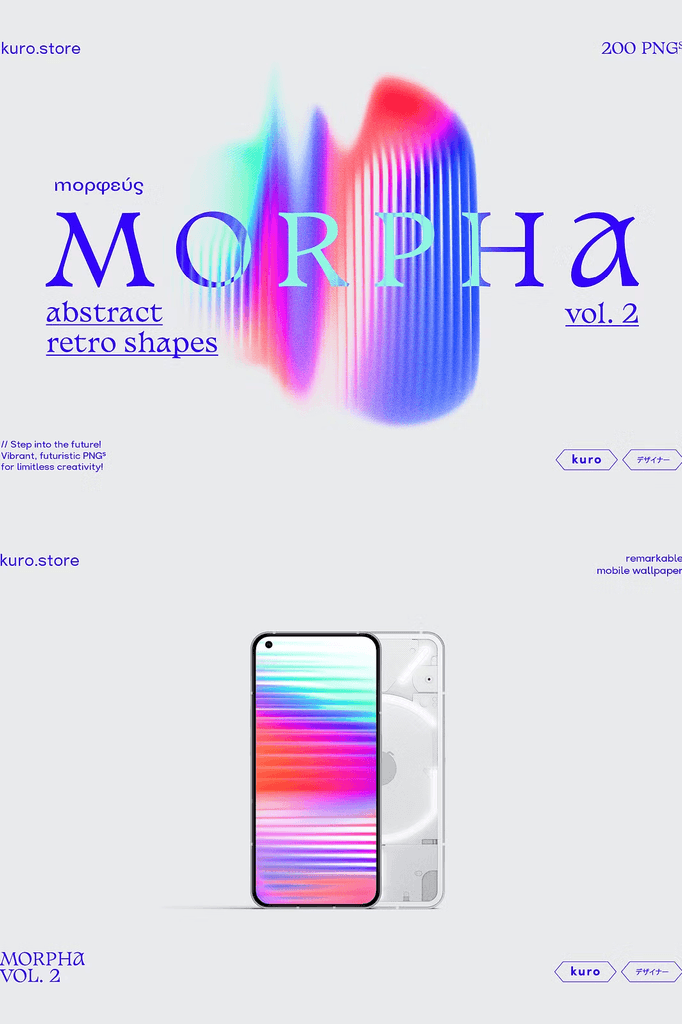
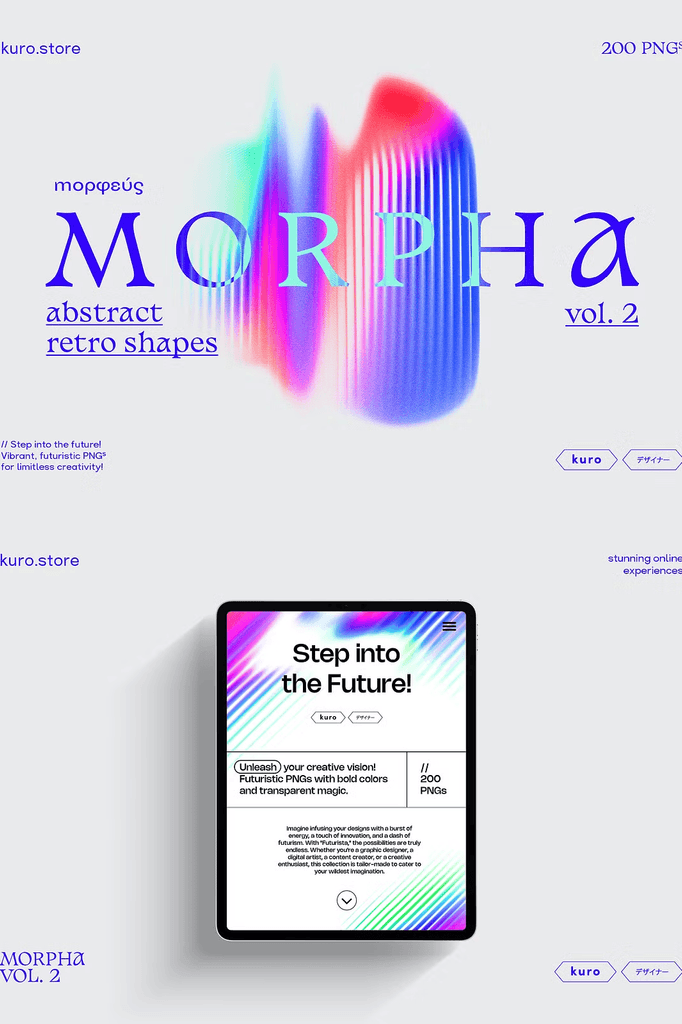
Unleash your creativity with Morpha Retro Gradient Textures Vol.2, the ultimate collection of vibrant transparent PNGs. With futuristic style and popping colors, this exceptional assortment empowers you to elevate your designs.
Transform social media graphics, presentations, websites, and posters with captivating visual experiences. The shapes are easy to use. Just drag and drop or import them into your design program, such as Photoshop.
Why Retro Gradient Textures Work for Modern Design
Gradients bring depth, movement, and energy to any layout. Retro-inspired gradients add a nostalgic yet futuristic quality that feels fresh and bold. As a result, your designs capture attention instantly.
Moreover, the transparent PNG format makes layering effortless across any project. In addition, the high resolution ensures crisp reproduction in both print and digital formats. Consequently, one collection supports an enormous range of creative applications.
What You Will Get in This Collection
- 200 PNGs with transparent backgrounds
- Compatible with every graphic program, including Photoshop, InDesign, XD, and Canva
- Image sizes: minimum 3000 x 3000 pixels at high resolution
- 1 Photoshop PSD file with a template containing 3 different grain layers and a smart object to easily change the shape
Every file is prepared for immediate use. The high resolution gives you room to crop, resize, and repurpose each texture across multiple formats. In addition, the transparent backgrounds make layering simple across any surface.
Perfect Uses for These Gradient Textures
- Social media graphics and stories
- Presentations and pitch decks
- Website design and hero sections
- Posters and promotional materials
- Album covers and music artwork
- Branding and identity backgrounds
- Packaging and product mockups
- Digital art and abstract compositions
- Advertising and campaign visuals
- Creative and experimental projects
Whether you design for clients or create personal projects, these gradient textures bring modern energy and visual interest to every composition.
Why the PSD File Adds Extra Value
The Photoshop template includes 3 different grain layers and a smart object that lets you easily change the shape. As a result, you can create custom variations beyond the pre-made PNGs.
In addition, you can experiment with blending modes of the text layers to create new individual looks. Consequently, your creative possibilities expand dramatically.
How to Use the Morpha Gradient Textures
Start by dragging and dropping the PNGs into your design program. Next, experiment with blend modes such as Screen, Overlay, or Soft Light. Then adjust opacity to fine-tune the intensity of each gradient.
For custom results, open the PSD file and swap the shape inside the smart object. Because the template uses grain layers, you can adjust the texture to match any project. As a result, you can build stunning gradient designs in minutes.
Want More Gradient Textures
If you enjoy this collection, check out Morpha Vol.1 for even more gradient options. Because both volumes share a similar aesthetic, you can build cohesive design systems across multiple projects.
Important Note
Fonts and mockups are not included. These appear for presentation purposes only.
Download the Morpha Retro Gradient Textures Vol.2 Today
This collection combines 200 transparent PNGs, a Photoshop PSD template, and futuristic retro style in one comprehensive download. It gives designers, brands, and content creators everything needed to create bold, vibrant visuals.
Download Morpha Retro Gradient Textures Vol.2 today and bring popping colors, futuristic gradients, and captivating visual energy to your social media graphics, presentations, websites, and posters.