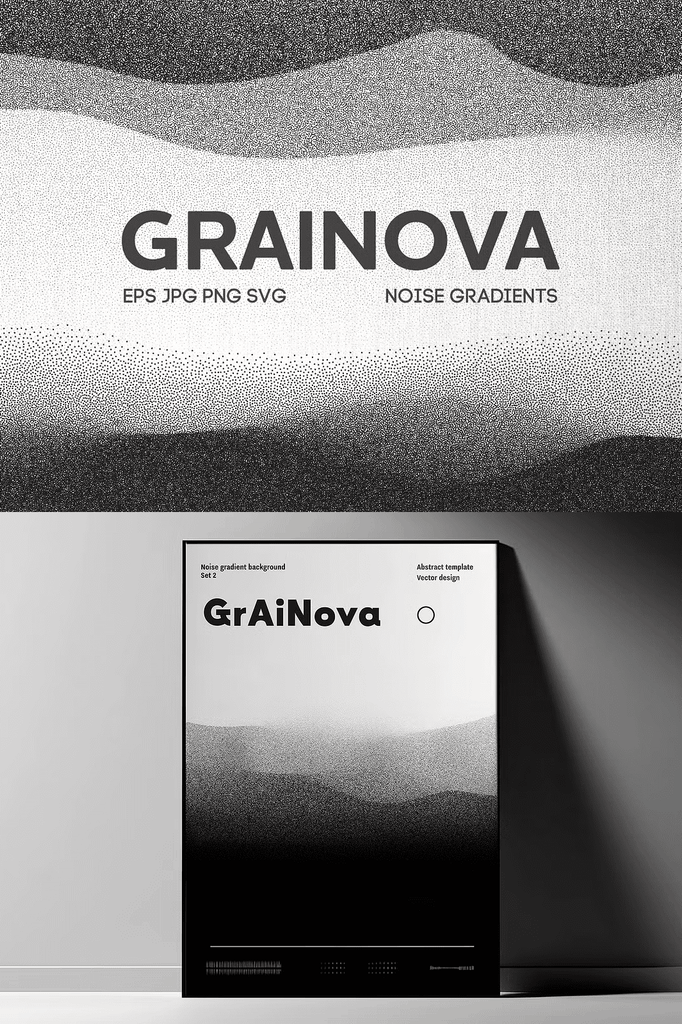
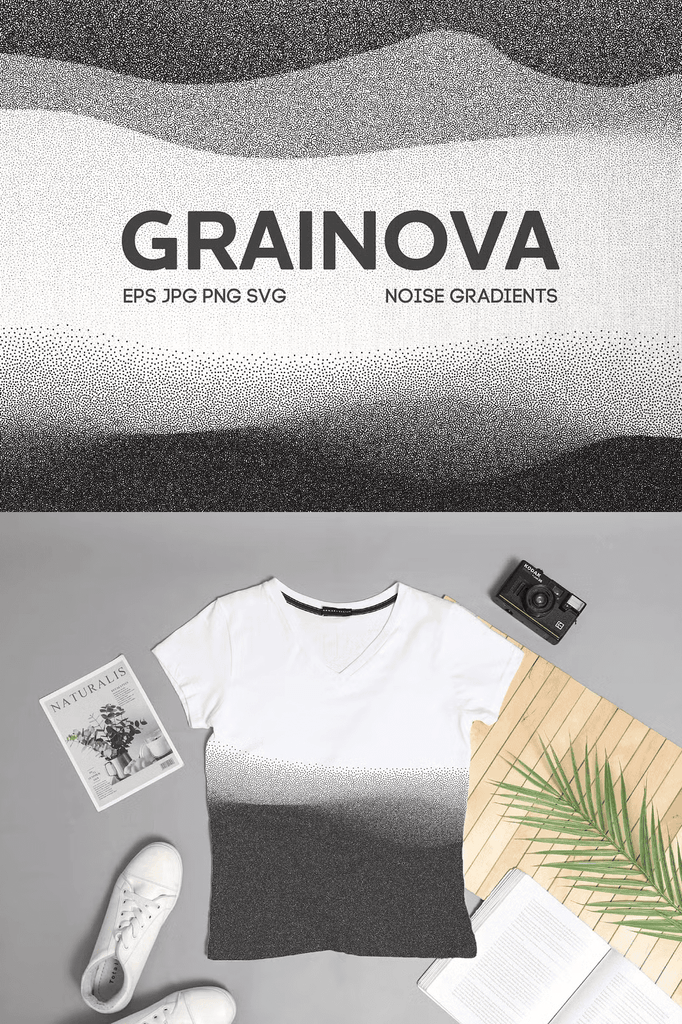
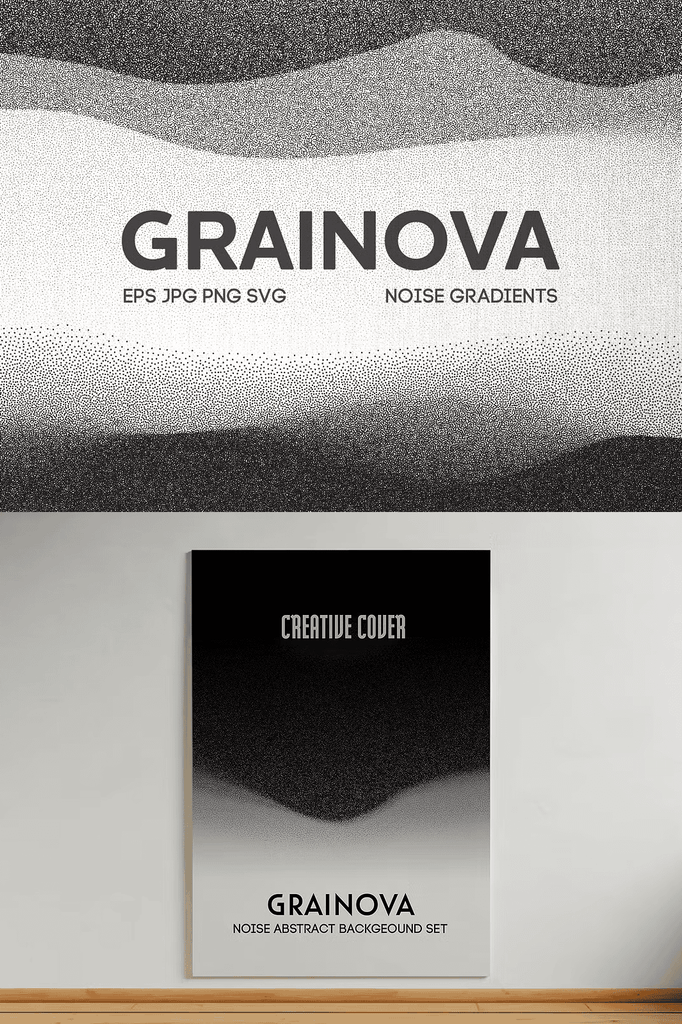
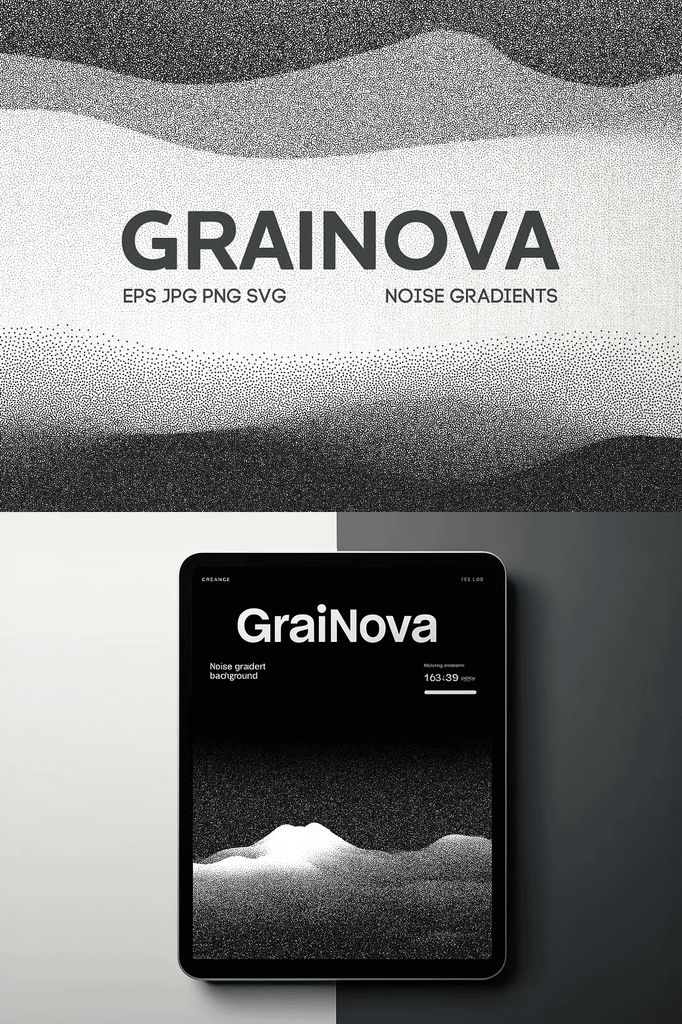
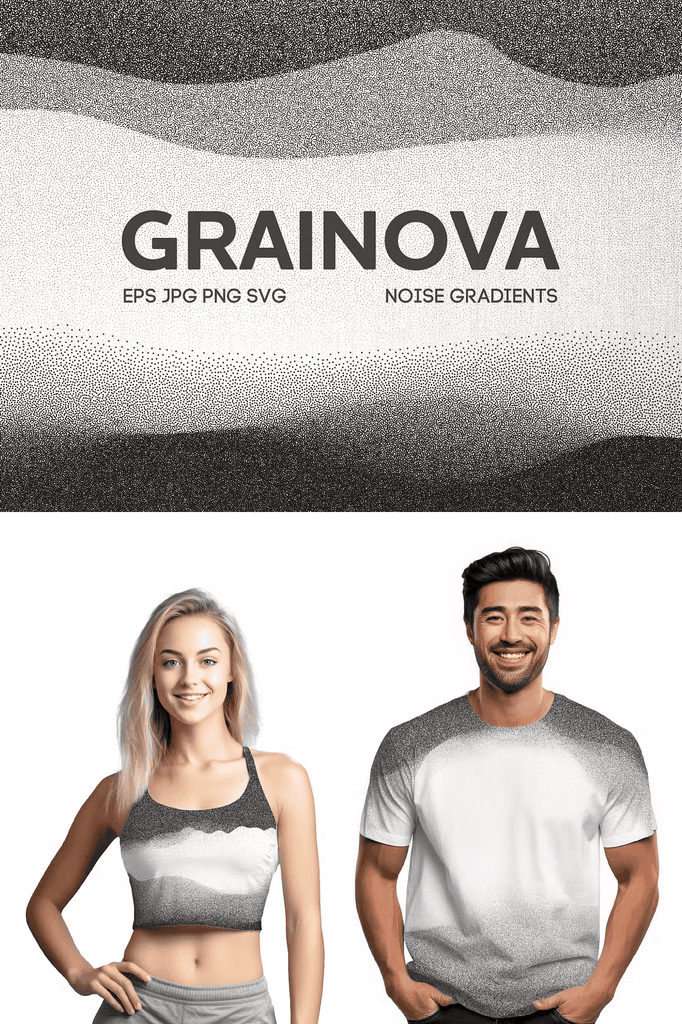
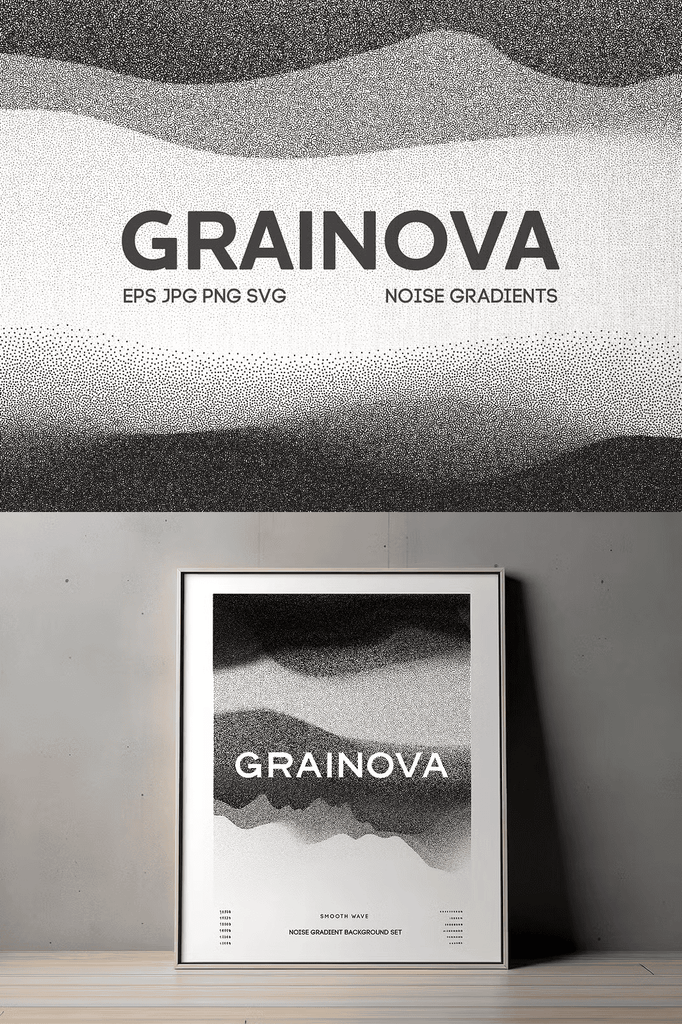
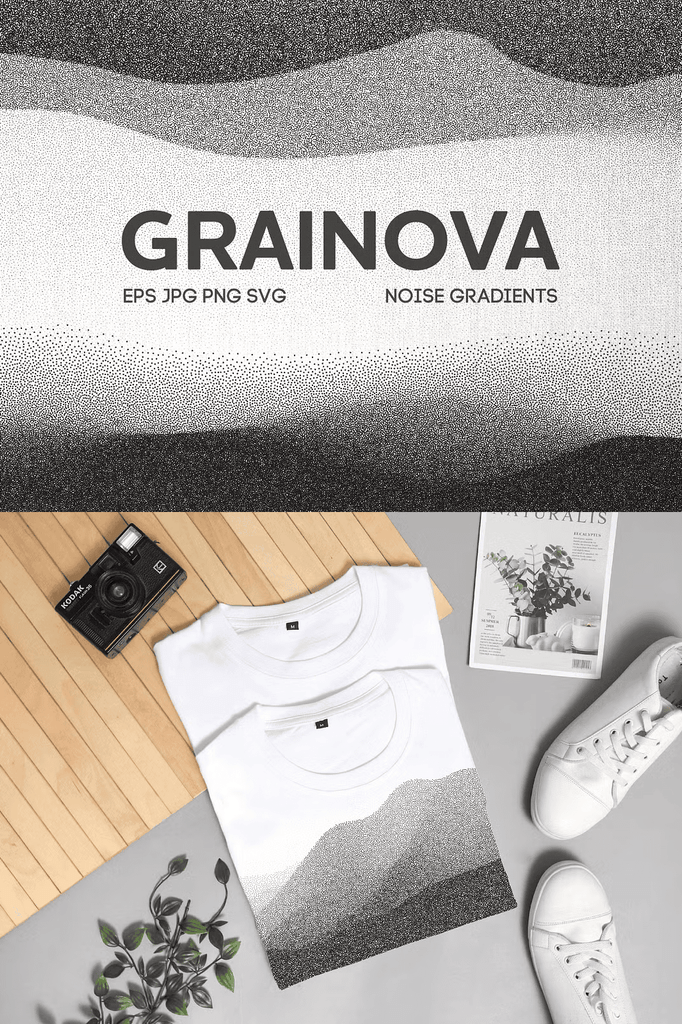
Elevate your design projects with Grainova, a premium collection of 120 meticulously crafted gradient grain textures. Perfect for adding depth and elegance to your work, these textures are versatile and easy to use.
Whether you design for clients or create personal projects, these textures bring sophistication and tactile warmth to every composition.
Why Gradient Grain Textures Work for Modern Design
Grain adds texture and depth that flat gradients cannot achieve. It softens harsh digital edges and introduces an organic, tactile quality. As a result, your designs feel more sophisticated and visually interesting.
Moreover, gradient backgrounds create smooth color transitions that draw the eye. In addition, the subtle grain prevents gradients from looking too polished or artificial. Consequently, one collection supports an enormous range of creative applications.
What Is Included in the Grainova Collection
- 120 backgrounds in PNG with transparent backgrounds and JPG image formats
- EPS 10 files for full editability
- SVG files that can be easily recolored on Canva
Every format serves a specific purpose. The EPS and SVG files provide complete vector editing power for professional software. Meanwhile, the PNG files with transparent backgrounds offer instant drag-and-drop convenience. In addition, the JPG files deliver quick, universal compatibility. As a result, this collection suits every design platform.
Key Features of Grainova
- High quality: each texture is designed with precision to ensure seamless integration into your projects
- Versatile use: ideal for graphic design, web design, print materials, packaging, and more
- Elegant aesthetic: subtle grain gradients add a touch of sophistication to any design
- Fully editable vector files for ultimate flexibility and scalability
These features work together to deliver professional results with minimal effort. As a result, you can focus on your creative vision rather than technical adjustments.
Perfect Uses for These Gradient Grain Textures
- Backgrounds for digital and print projects
- Overlays for photography and artwork
- Print design and promotional materials
- Web design and hero sections
- Social media graphics and stories
- Branding and identity systems
- Packaging and product mockups
- Presentation decks and pitch materials
- Posters and art prints
- Creative and experimental projects
Whether you design for clients or create personal work, these textures bring elegance and depth to every composition.
Why Vector Files Add Extra Value
Vector files scale infinitely without losing quality. You can resize EPS and SVG textures to any dimension without pixelation. As a result, your designs stay crisp in both small and large-format applications.
In addition, the SVG format can be recolored easily in Canva. Consequently, you can customize every texture to match your brand palette without professional software.
How to Use Grainova Textures
Start by selecting the texture that matches your project theme. Next, place it as a background or overlay in your design. Then experiment with blend modes such as Soft Light, Overlay, or Multiply.
After that, adjust opacity to fine-tune the intensity. Because the files are editable, you can also recolor them to match your brand. As a result, you can build polished designs in minutes.
Download the Grainova Gradient Grain Textures Today
This collection combines 120 gradient grain textures, PNG, JPG, EPS, and SVG formats, and full editability in one comprehensive download. It gives designers, brands, and content creators everything needed to create elegant, textured visuals.
Download Grainova today and transform your designs with beautiful gradient grain textures for your backgrounds, overlays, branding, and print projects. Also check out the Stipple Master Photoshop Brushes for even more creative options.