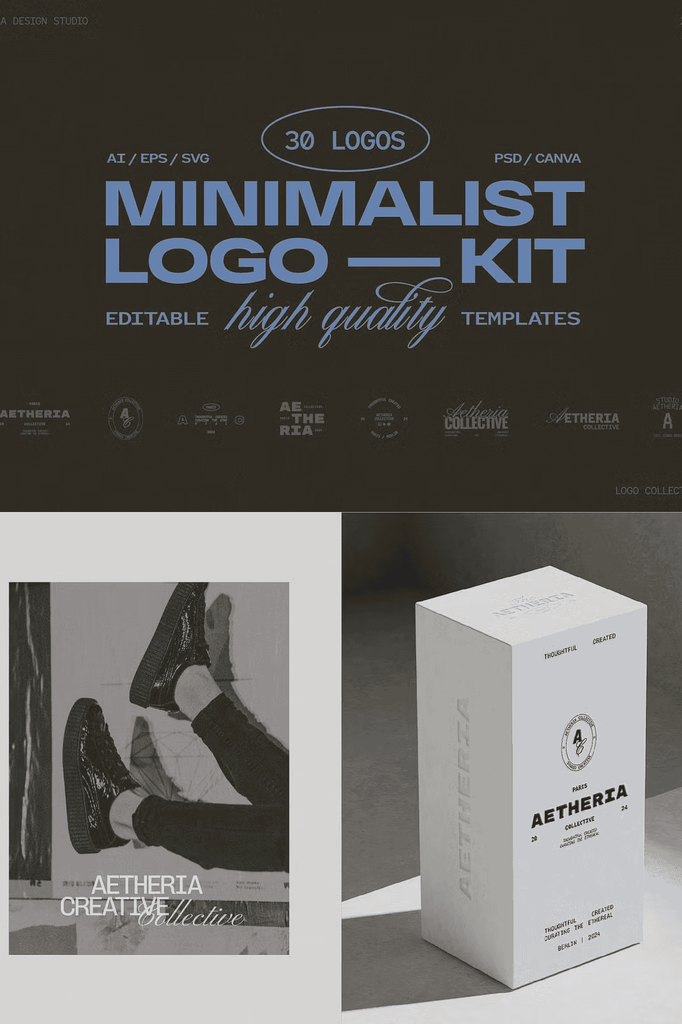
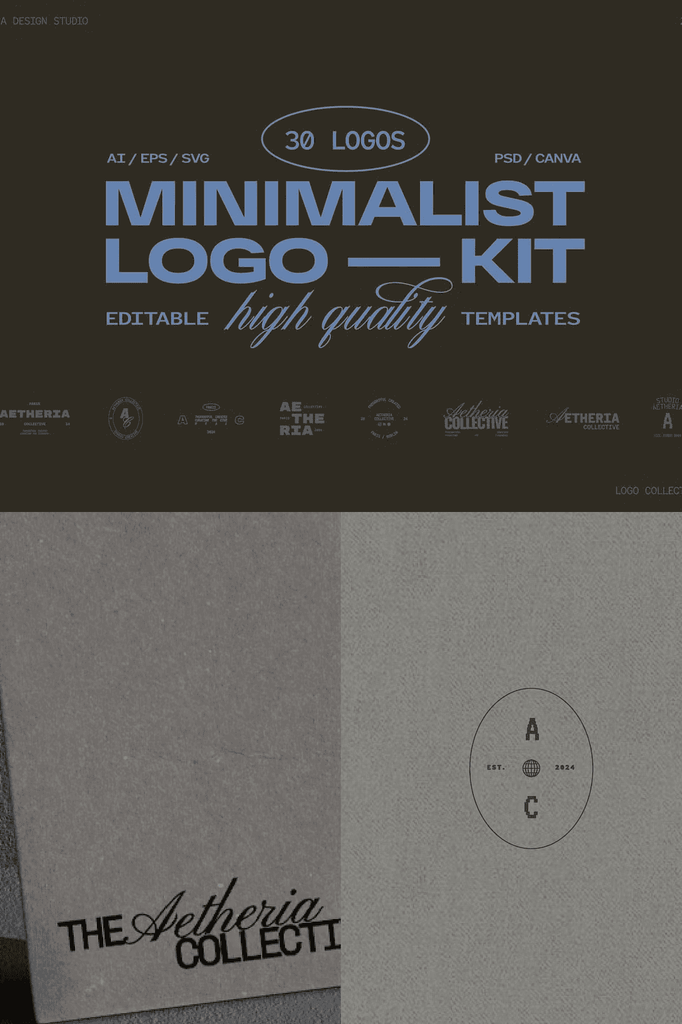
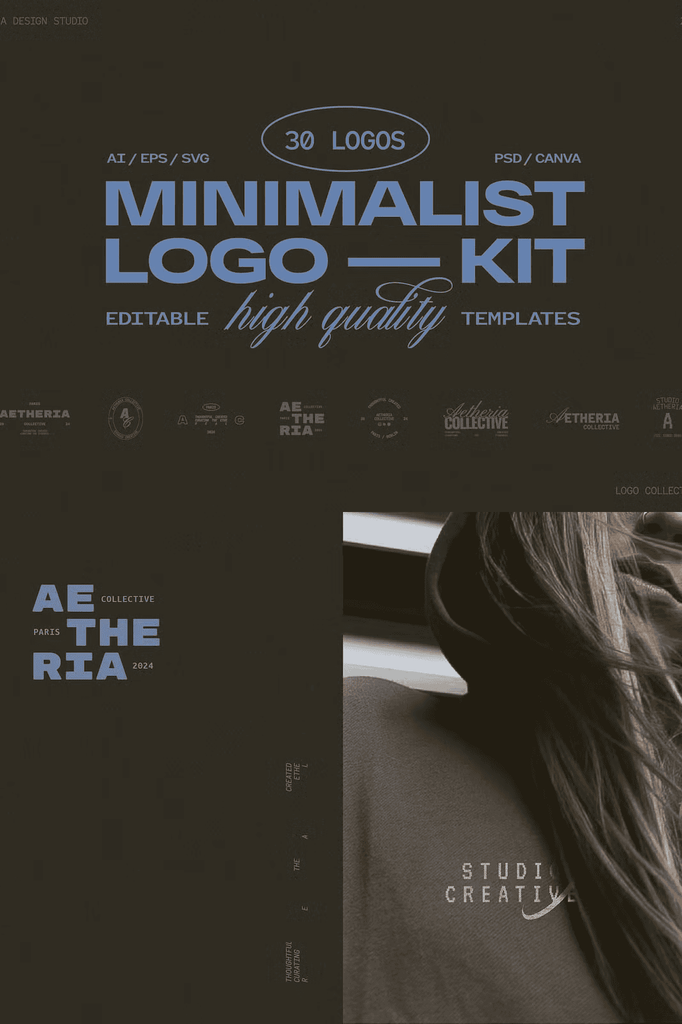
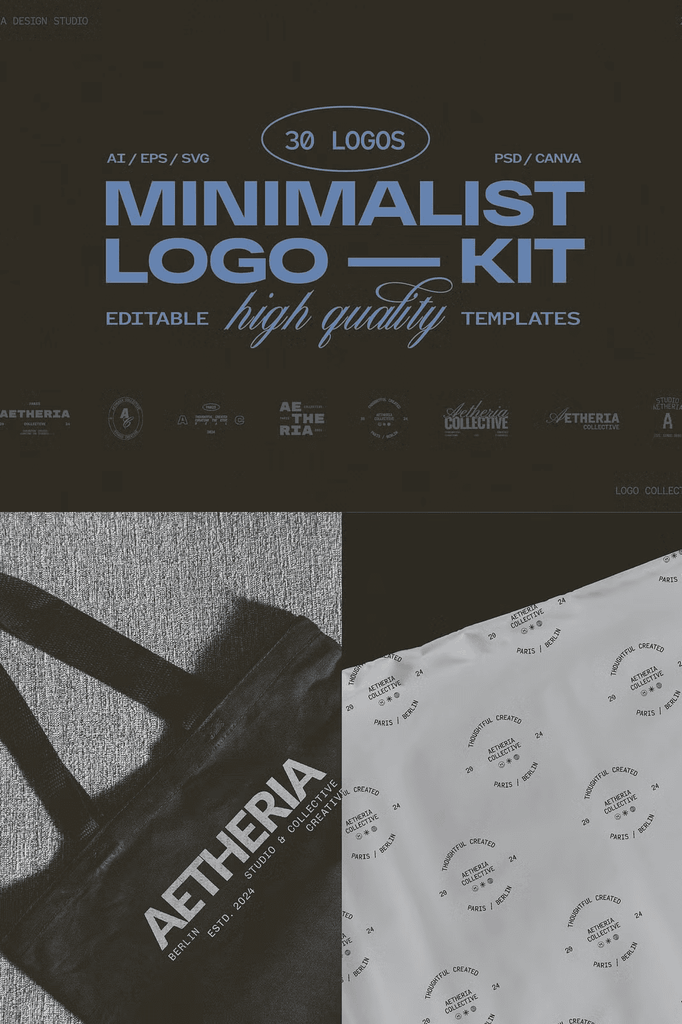
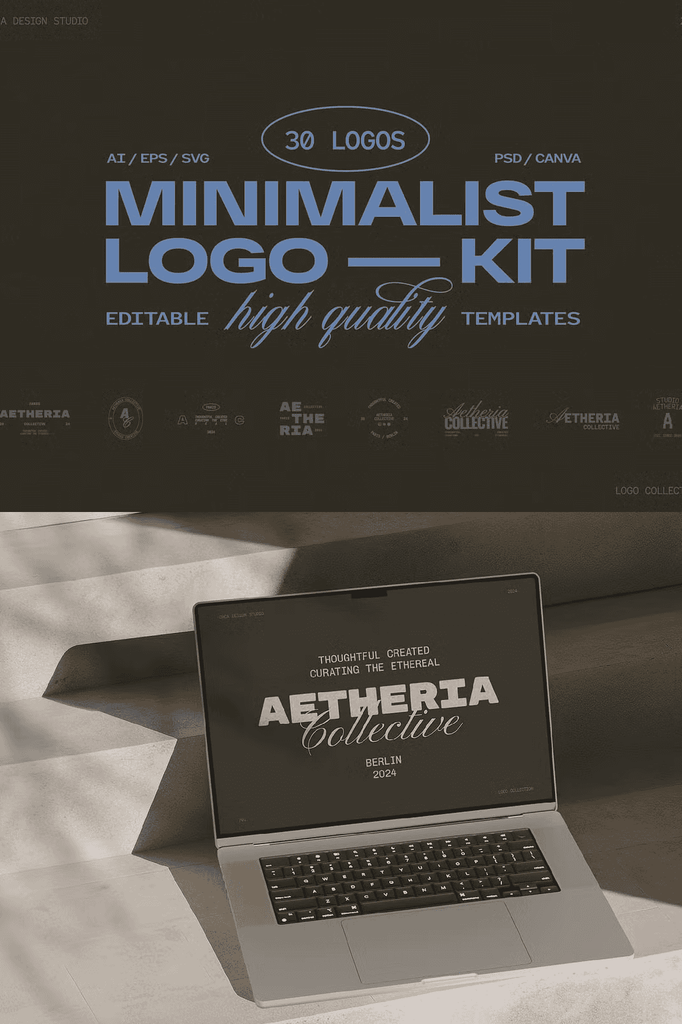
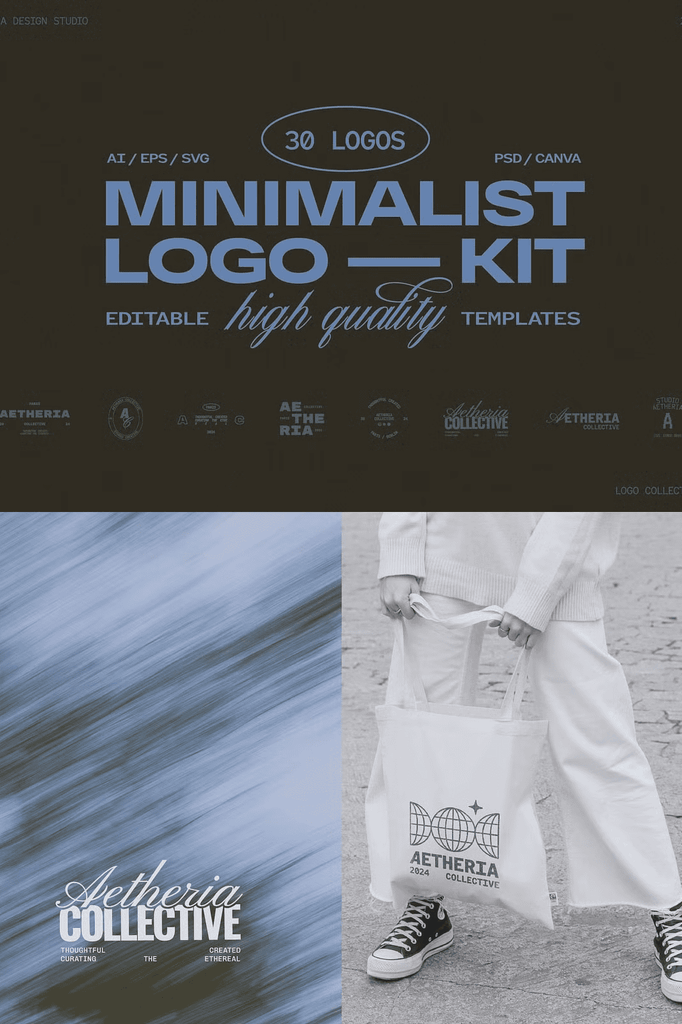
Create a sleek, modern brand identity with the Minimalist Logo Kit, a curated set of 30 fully editable logo templates designed for creatives and businesses that value simplicity, clarity, and professionalism.
Whether you design for a client or build your own brand, these logos make it easy to stand out with style across print, web, and social media.
Why Minimalist Logo Kits Work for Modern Brands
Minimalist design removes distraction and focuses attention on what matters. Clean logos communicate confidence, professionalism, and sophistication. As a result, your brand feels established and trustworthy from the first impression.
Moreover, minimalist logos scale beautifully across every application. In addition, the uncluttered aesthetic pairs with any color palette or typography. Consequently, one logo design supports your brand across every touchpoint for years.
What Is Included in the Minimalist Logo Kit
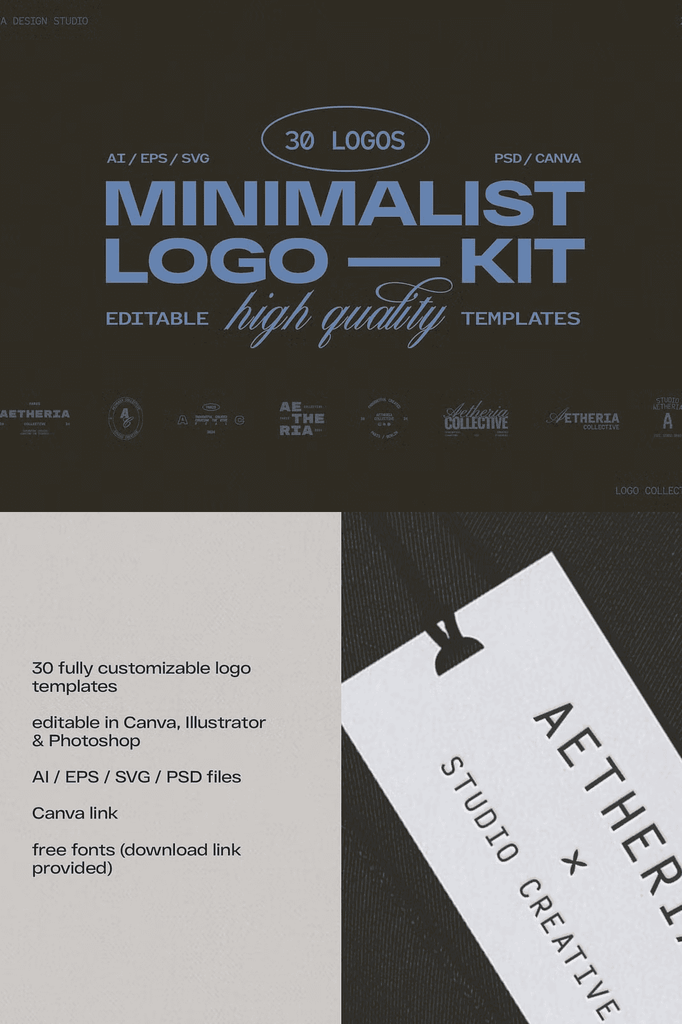
- 30 pre-designed logo templates
- Formats: AI, EPS, SVG, PSD, plus a Canva link
- Editable in Canva, Adobe Illustrator, and Photoshop
- Fully customizable text, colors, and layout
- Free fonts with download links included
- Ready for web and print
Every format serves a specific workflow. The AI and EPS files provide complete vector editing power for professional software. Meanwhile, the SVG files work smoothly in Canva, Figma, and web design tools. In addition, the PSD files offer layered control for advanced customization.
Perfect Uses for These Minimalist Logos
- Content creators and personal brands
- Stylists, fashion brands, and beauty studios
- Restaurants, cafés, and wellness spaces
- Real estate, interior design, and home decor
- Marketing agencies, freelancers, and photographers
- Anyone who loves a clean and minimal design aesthetic
- E-commerce stores and product lines
- Consultants and service providers
- Tech startups and digital businesses
- Portfolio and personal branding projects
Whether you design for clients or build your own brand, these templates provide a professional foundation for a sleek, contemporary identity.
Why the Canva, AI, and PSD Combination Works
Different designers prefer different tools. This kit removes the barrier by supporting all three major platforms. Canva users gain quick drag-and-drop editing. Meanwhile, Illustrator users get full vector control. In addition, Photoshop users benefit from layered PSD files.
Because the files are fully customizable, you can edit text, colors, and layout to match any brand. As a result, one kit supports unlimited client projects and personal brands.
Important Notes Before You Purchase
- Some designs may look slightly different in Canva due to platform limitations, such as alternate fonts or text effects
- You will need Adobe Illustrator or Photoshop to edit AI, EPS, SVG, and PSD files
- Basic knowledge of these programs is recommended
- Mockups are for preview only and are not included
- Due to the digital nature of the product, no refunds or exchanges can be made
- Resale, sharing, or redistribution is strictly prohibited
A Commercial or Extended Commercial License is required if you use the templates in end products for sale. Learn more about licensing through the official Creative Market license page.
How to Use the Minimalist Logo Kit
Start by opening your chosen template in Canva, Adobe Illustrator, or Photoshop. Next, replace the placeholder text with your brand name and tagline. Then adjust colors and layout to match your brand identity.
After that, fine-tune spacing and scale to balance the minimal elements. Because the files are fully editable, you can customize every detail. Finally, export your finished logo in the formats your project requires.
Download the Minimalist Logo Kit Today
This kit combines 30 logo templates, AI, EPS, SVG, PSD, and Canva formats, and free fonts in one comprehensive package. It gives designers, brands, and creative entrepreneurs everything needed to build a sleek, contemporary identity.
Download the Minimalist Logo Kit today and start creating clean, timeless logos that elevate your brand across every platform. Tag @orca.design.studio on Instagram to share your results. If you have more questions, send a message anytime.