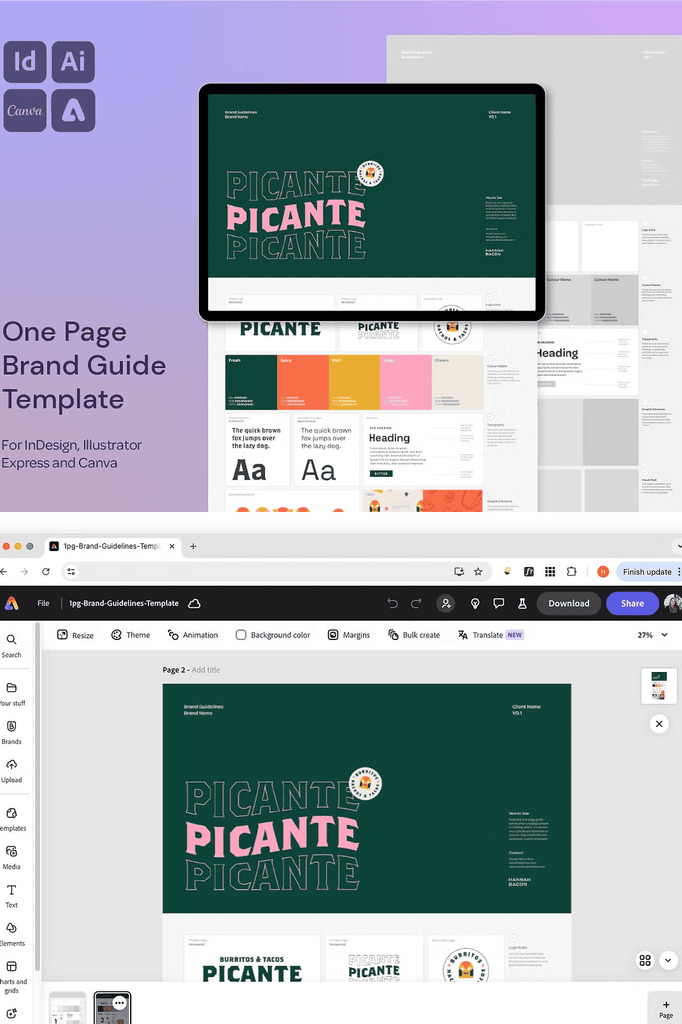
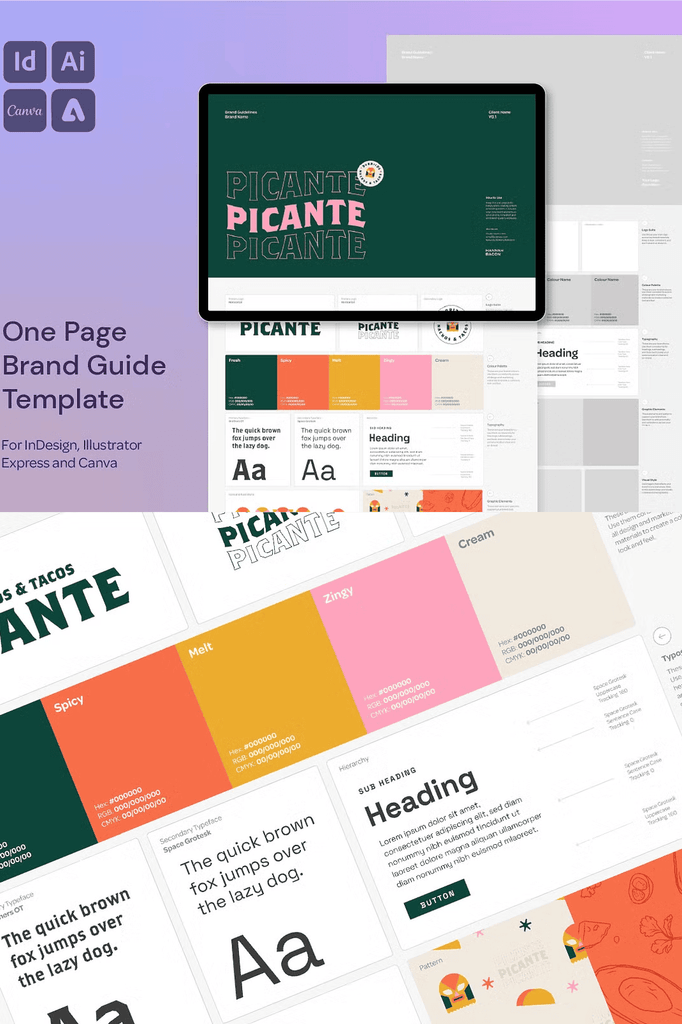
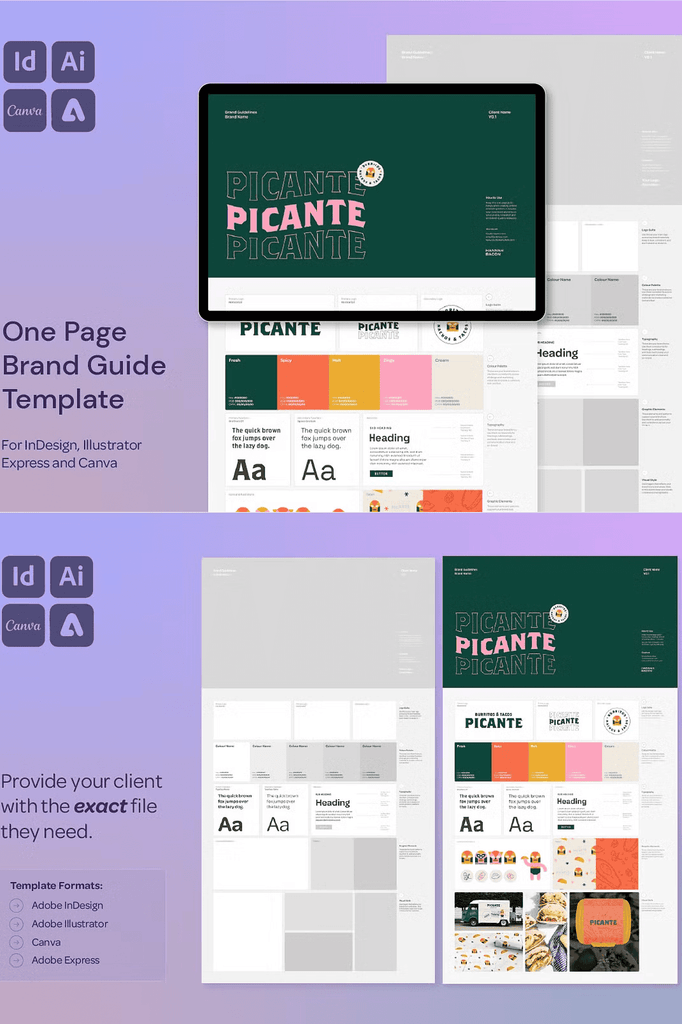
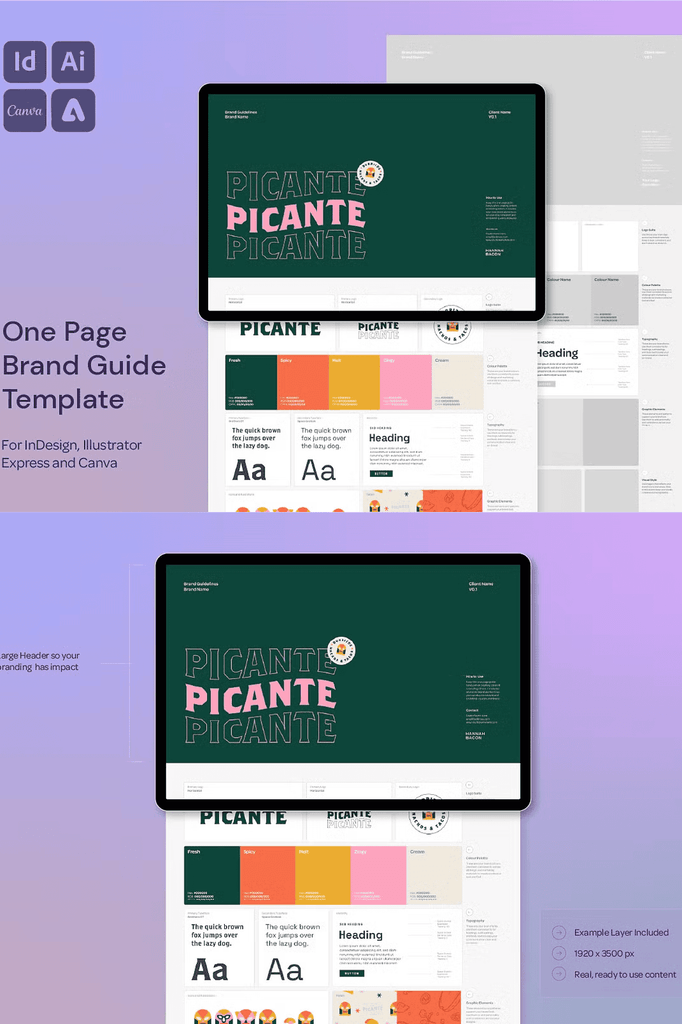
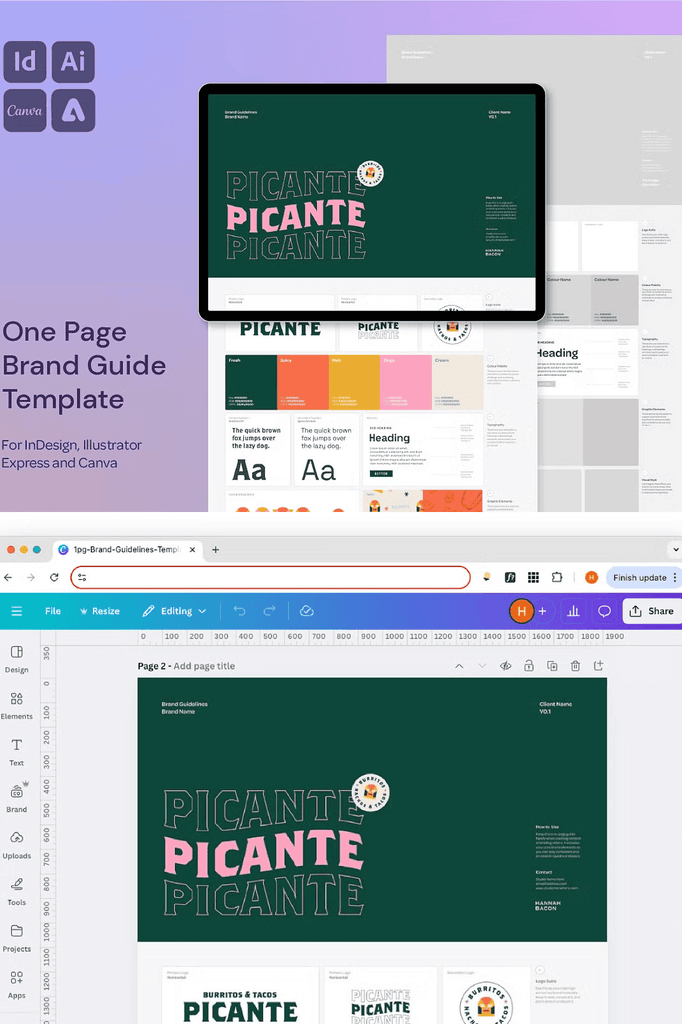
Create stunning, client-ready brand guidelines in just one page. This professionally designed One Page Brand Guide Template is your go-to solution for presenting a visual identity clearly, consistently, and confidently, without reinventing the wheel.
Built for Adobe InDesign, Illustrator, Canva, and Adobe Express, it is ideal for freelancers, studios, and brand designers who want to deliver polished branding documentation quickly.
Why a One Page Brand Guide Works for Modern Designers
Full brand guideline documents can take days to assemble. A one-page guide delivers the essential information clients need without the overhead. As a result, you can hand off a professional document in minutes.
Moreover, concise guides are more likely to be used by clients and their teams. In addition, the one-page format works beautifully for social media brand kits and quick reference sheets. Consequently, this template suits both complete brand handoffs and lightweight documentation.
What Is Included in This Template
- One-page brand guidelines template
- Formats for InDesign in INDD and IDML, Illustrator in AI, Canva, and Adobe Express
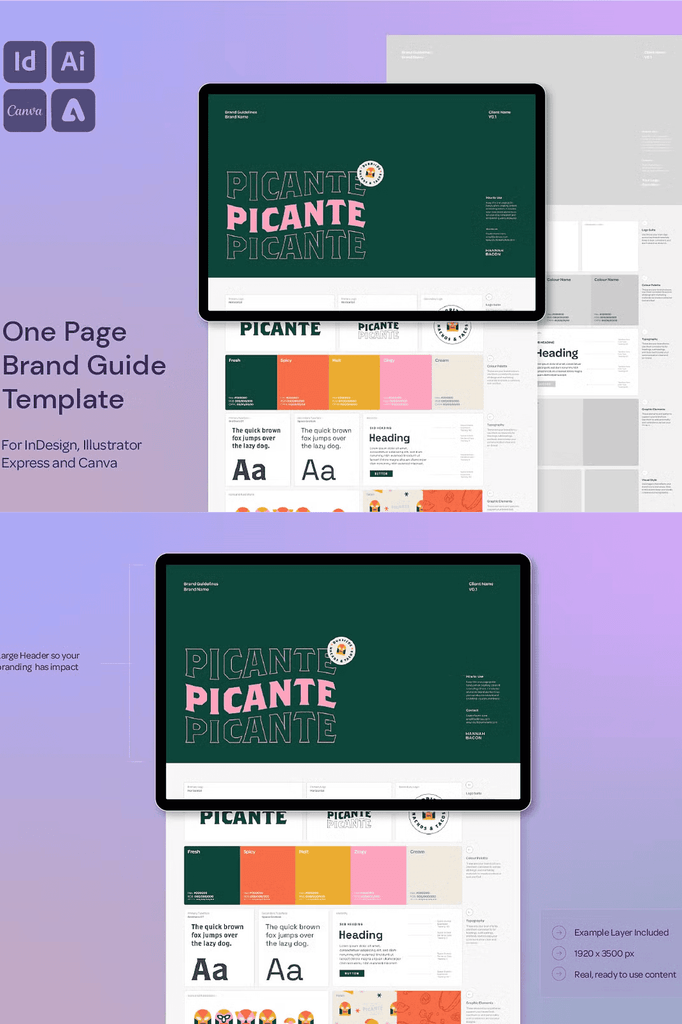
- Real example brand layer with toggle visibility on and off
- Drag-and-drop image frames
- Smart, structured layout with headings, hierarchy, and prompts
- Helpful usage guide PDF with tips for Illustrator and InDesign
- Dimensions: 1920 x 3500 px
- Layered and fully editable
Every format serves a specific workflow. The InDesign and Illustrator files provide complete professional control. Meanwhile, the Canva and Adobe Express versions make editing accessible to designers without desktop software. As a result, this template suits every skill level.
Perfect Uses for This Brand Guide Template
- Freelance graphic designers
- Branding studios and creative teams
- Design educators and students
- Marketing professionals
- Social media brand kits and handoffs
- Logo project deliverables
- Client onboarding packages
- Visual identity summaries
- Quick reference sheets for teams
- Portfolio and case study presentations
Whether you wrap up a logo project or hand off a full visual identity, this template ensures your client walks away with a guide that looks as good as the brand you created.
Why the Example Brand Layer Adds Extra Value
The real example brand layer shows you exactly how the template looks when filled in. You can toggle its visibility on and off as you build your own content. As a result, you always have a reference for layout and hierarchy.
In addition, the drag-and-drop image frames make customization fast and intuitive. Consequently, you can add client imagery without complex masking or alignment work.
How to Use the One Page Brand Guidelines Template
Start by opening the template in your preferred software. Next, replace the placeholder text with your client’s brand information, including colors, typography, and logo usage. Then add imagery using the drag-and-drop frames.
After that, toggle the example brand layer off to view your finished design. Because the template is layered and fully editable, changes apply cleanly and consistently. Finally, export your finished guide as a PDF or image for client delivery.
Download the One Page Brand Guidelines Template Today
This template combines a one-page layout, four software formats, and a helpful usage guide in one comprehensive package. It gives freelancers, studios, and brand designers everything needed to deliver polished brand documentation quickly.
Download this One Page Brand Guidelines Template today and start creating stunning, client-ready brand guides that look as professional as the brands you build.